What does this page do?
Backups save the local database and important files into a folder chosen by the user, with restore available when needed.
Protect local application data.
Backups save the local database and important files into a folder chosen by the user, with restore available when needed.
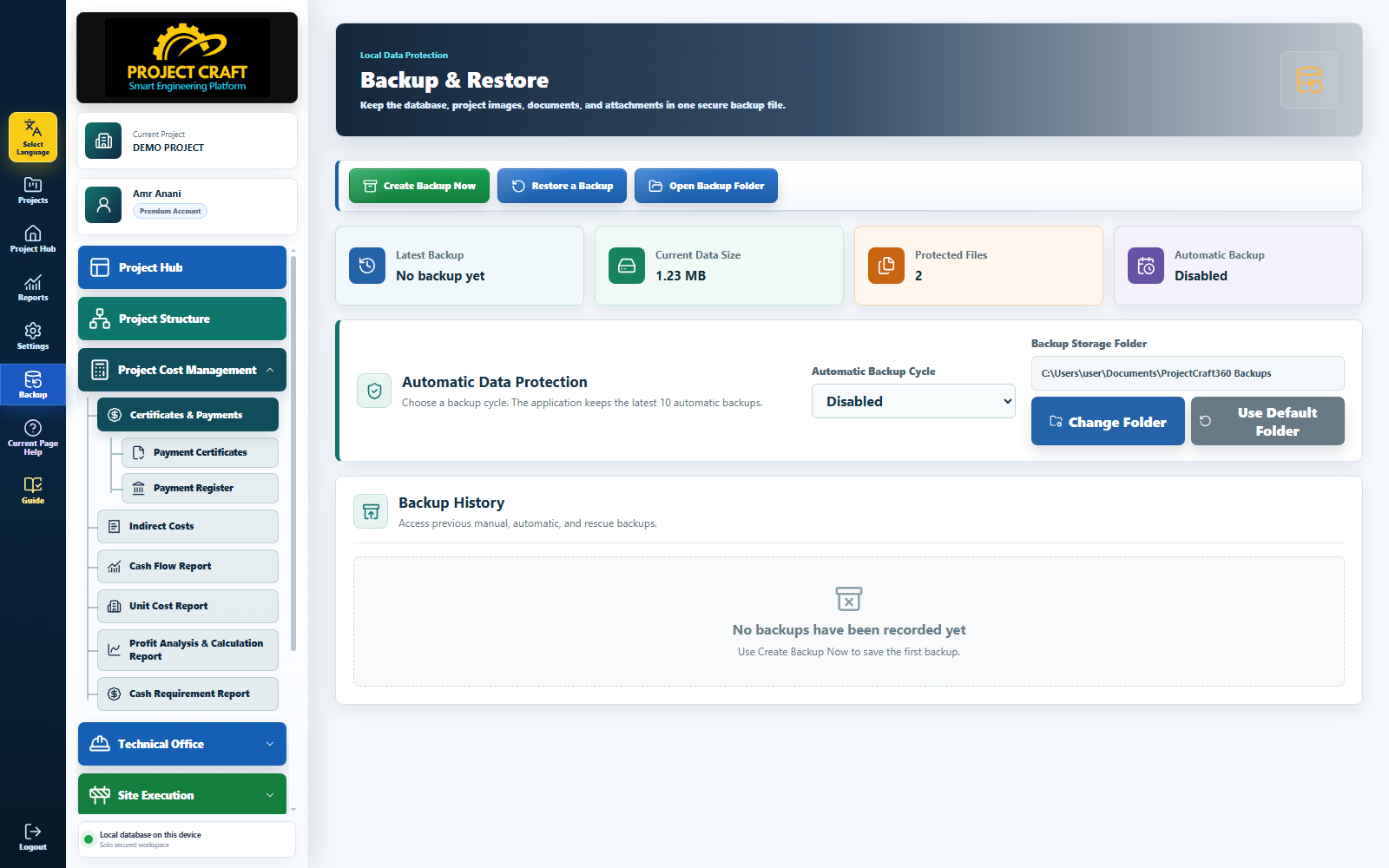
Select where backup files will be saved.
Choose backup folderClick Create Backup and wait for success.
Create backup nowConfirm the file exists in the chosen folder.
Review backup fileRestore only when you are sure which backup is required.
Restore when needed| Field or action | Purpose inside the page |
|---|---|
| Choose backup folder | Select where backup files will be saved. |
| Create backup now | Click Create Backup and wait for success. |
| Review backup file | Confirm the file exists in the chosen folder. |
| Restore when needed | Restore only when you are sure which backup is required. |