What does this page do?
Disciplines isolate resources, price analyses, BOQs, schedules, certificates, and reports.
Split the project into independent work disciplines.
Disciplines isolate resources, price analyses, BOQs, schedules, certificates, and reports.
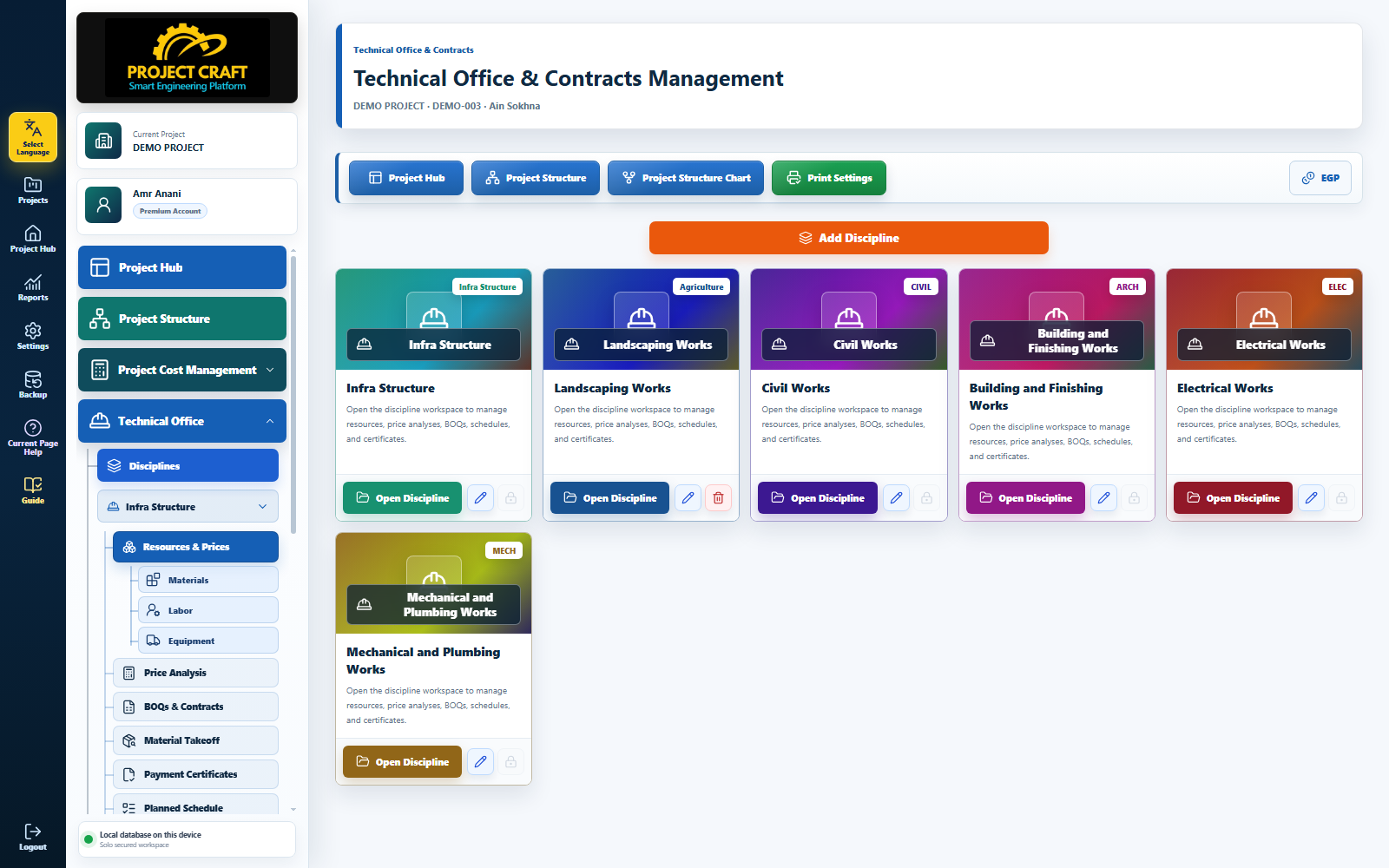
Enter the discipline name and save it so it appears as a card.
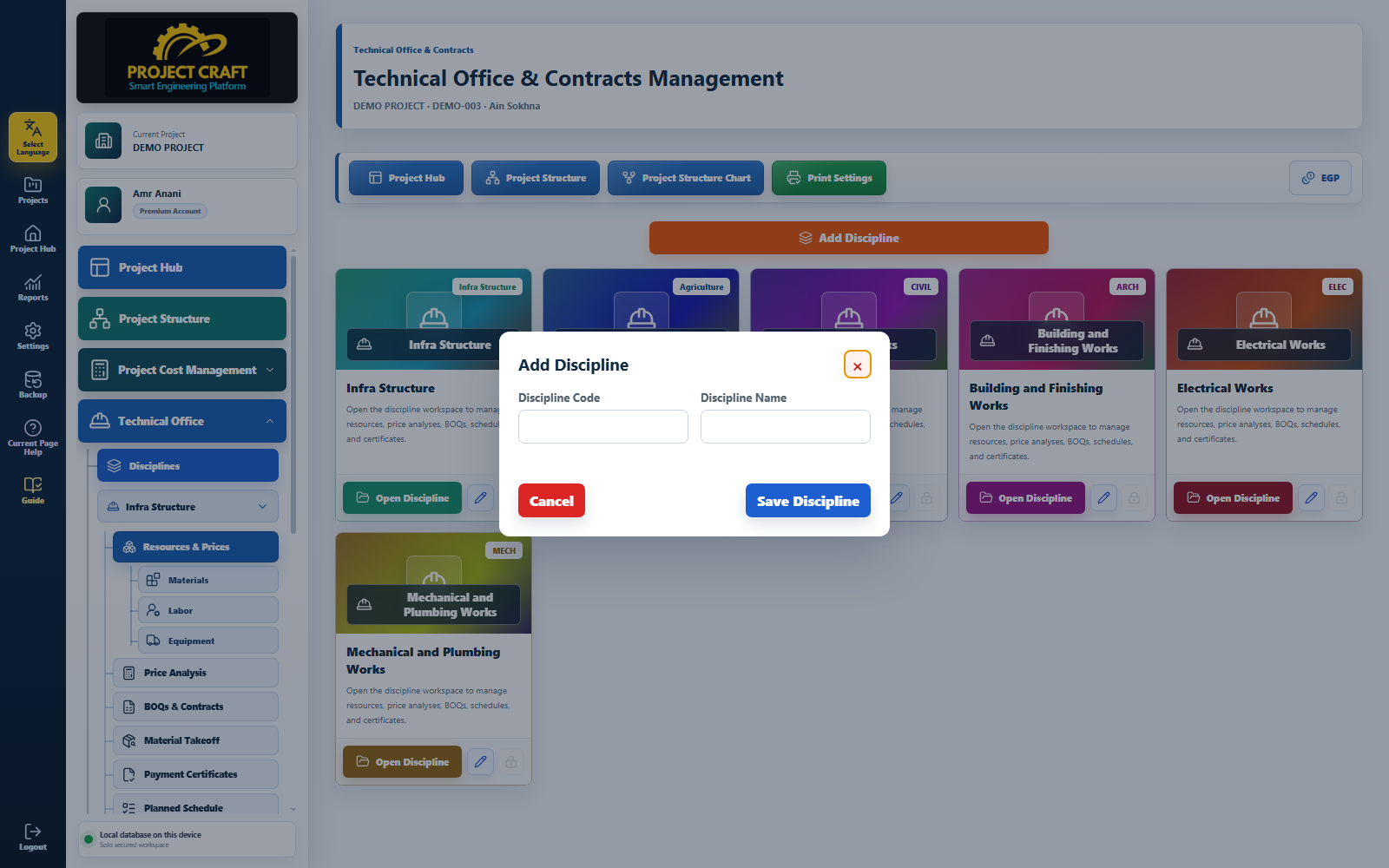 Add a discipline
Open a discipline to manage its resources, BOQs, schedules, and reports.
Open discipline workspacePages should show only the data that belongs to the selected discipline.
Review discipline isolation| Field or action | Purpose inside the page |
|---|---|
| Add a discipline | Enter the discipline name and save it so it appears as a card. |
| Open discipline workspace | Open a discipline to manage its resources, BOQs, schedules, and reports. |
| Review discipline isolation | Pages should show only the data that belongs to the selected discipline. |