What does this page do?
Actual Execution records executed quantities, calculates total executed and weighted progress, and feeds certificates and reports.
Enter executed quantities and track progress.
Actual Execution records executed quantities, calculates total executed and weighted progress, and feeds certificates and reports.
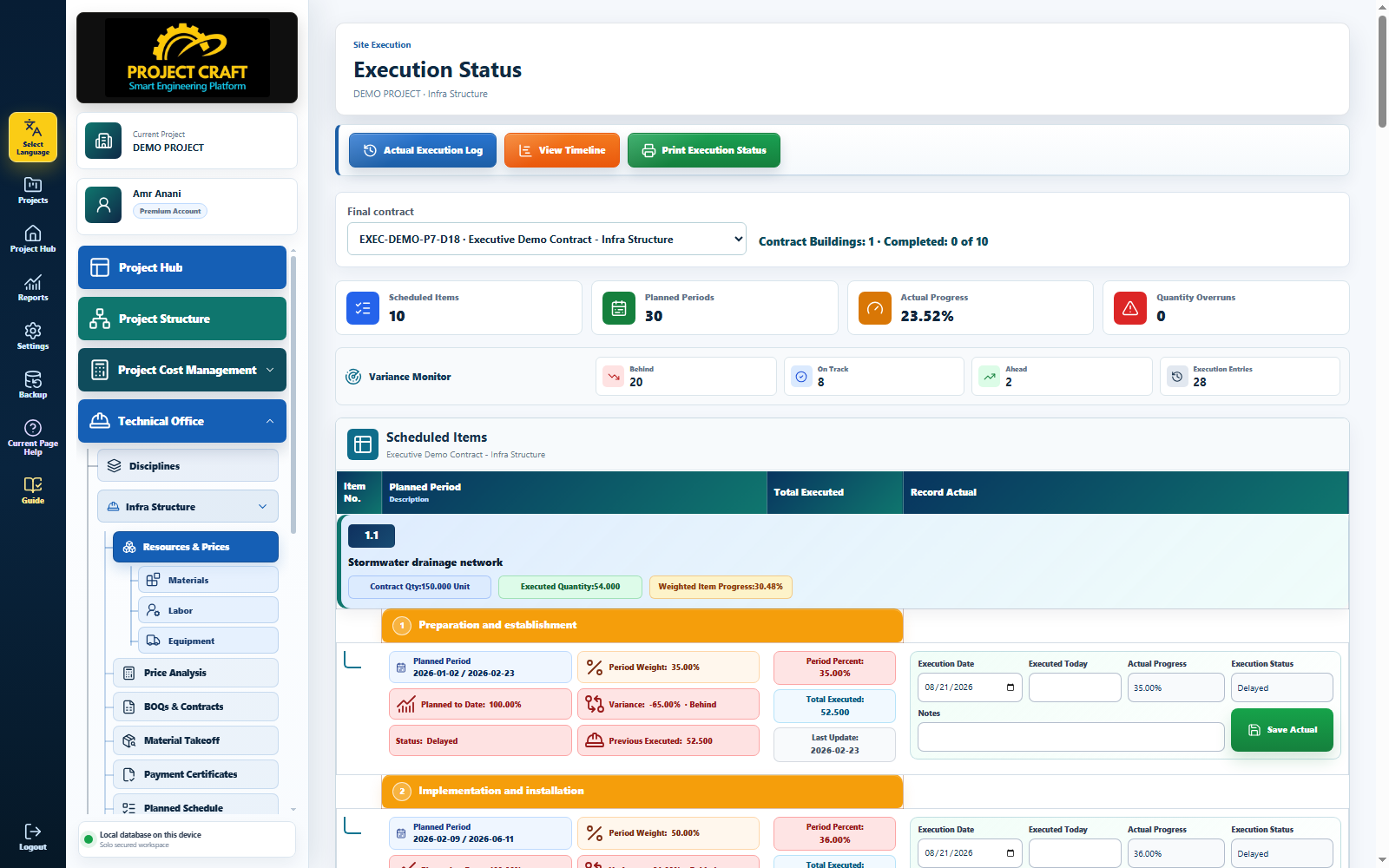
Open the contract whose execution will be updated.
Select contractEnter the daily quantity for each item.
Enter today executed quantityPrevious executed quantity plus today quantity forms the total executed.
Review total executedCompare actual with planned status to see ahead or delayed work.
Review status| Field or action | Purpose inside the page |
|---|---|
| Select contract | Open the contract whose execution will be updated. |
| Enter today executed quantity | Enter the daily quantity for each item. |
| Review total executed | Previous executed quantity plus today quantity forms the total executed. |
| Review status | Compare actual with planned status to see ahead or delayed work. |