What does this page do?
This page explains the first path a user follows after launching ProjectCraft: choose a language, start trial or subscription, then open Projects and work inside a selected project.
Start from Projects and open the correct workspace.
This page explains the first path a user follows after launching ProjectCraft: choose a language, start trial or subscription, then open Projects and work inside a selected project.
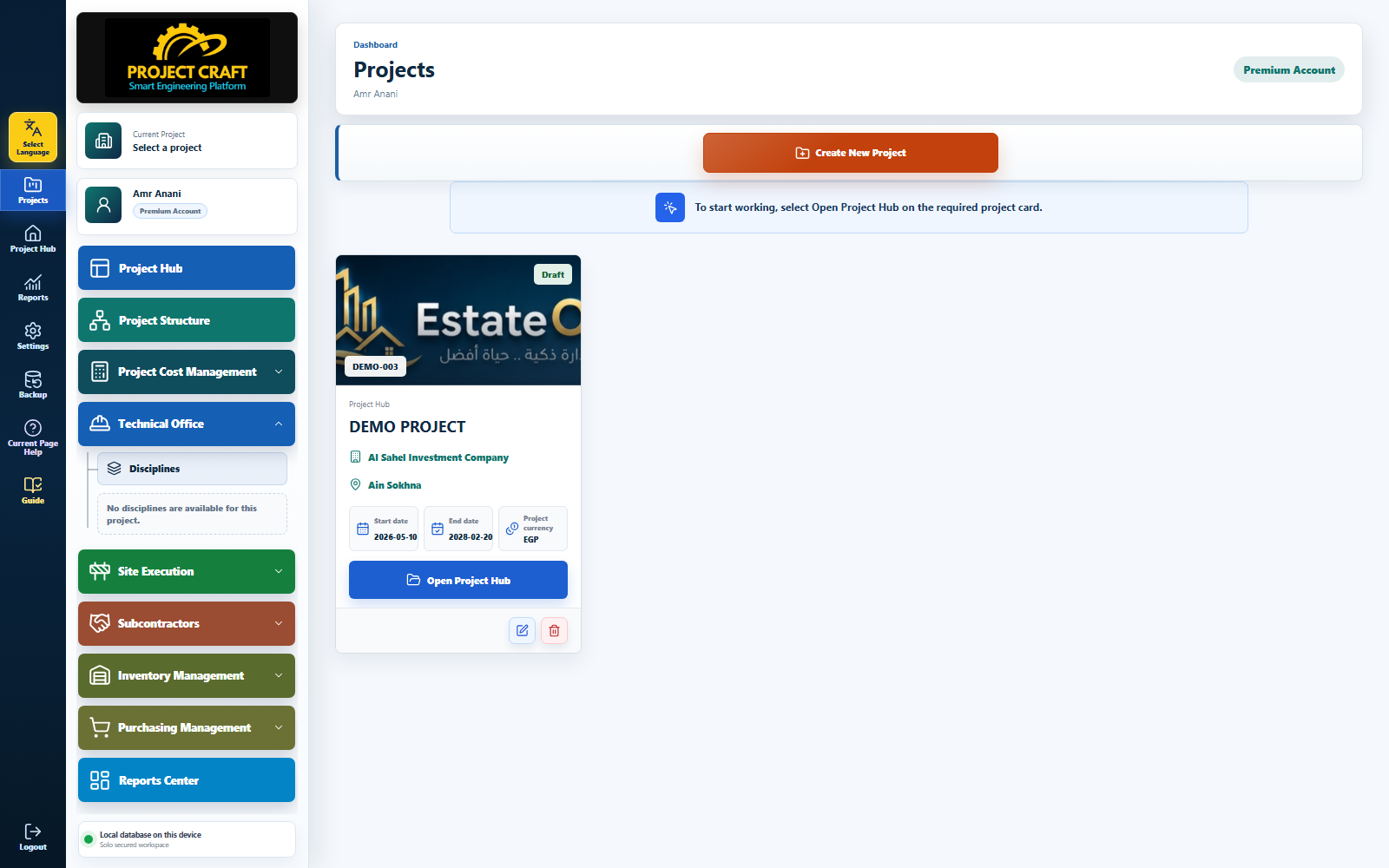
Use the language button to switch the interface before you start, so the app and guide match.
Choose languageConfirm that the trial or annual subscription is active before opening the workspace.
Check subscription stateAfter sign-in, the Projects page is the place to create a new project or open an existing project portal.
Open Projects| Field or action | Purpose inside the page |
|---|---|
| Choose language | Use the language button to switch the interface before you start, so the app and guide match. |
| Check subscription state | Confirm that the trial or annual subscription is active before opening the workspace. |
| Open Projects | After sign-in, the Projects page is the place to create a new project or open an existing project portal. |