What does this page do?
Inventory manages contract material balances, stock additions, material issues, transfers between stores, and movement logs.
Balances, issues, receipts, and transfers.
Inventory manages contract material balances, stock additions, material issues, transfers between stores, and movement logs.
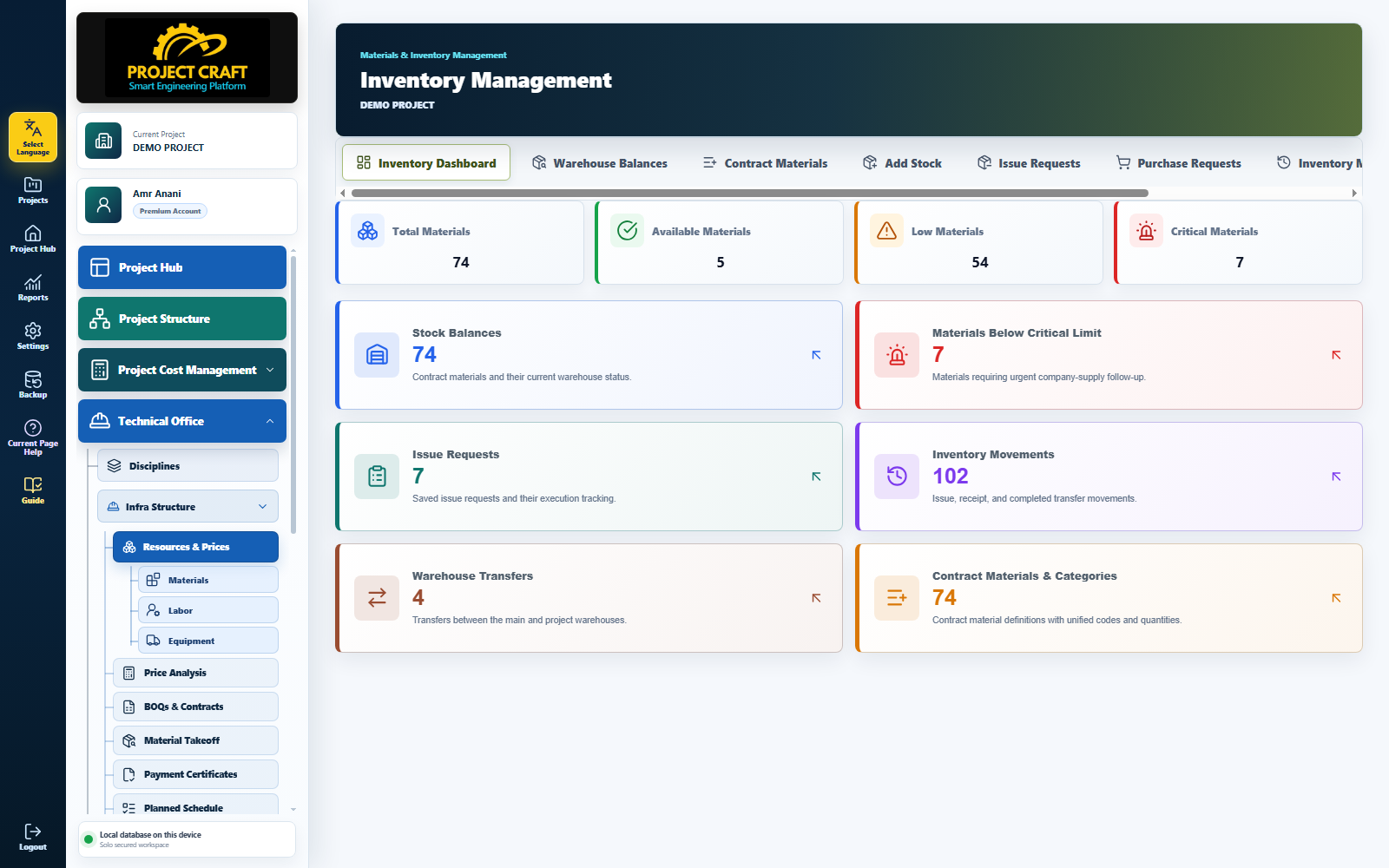
Choose discipline and contract to show only related materials.
Review balancesSelect discipline, contract, material, quantity, and store.
Add stock balanceIssue only materials supplied by the company.
Issue materialsSelect source, destination, material, quantity, and track receiving status.
Transfer between stores| Field or action | Purpose inside the page |
|---|---|
| Review balances | Choose discipline and contract to show only related materials. |
| Add stock balance | Select discipline, contract, material, quantity, and store. |
| Issue materials | Issue only materials supplied by the company. |
| Transfer between stores | Select source, destination, material, quantity, and track receiving status. |