What does this page do?
This page explains the 15-day trial, account creation, subscription request, country selection, payment method, and payment proof submission.
Free trial and subscription activation request.
This page explains the 15-day trial, account creation, subscription request, country selection, payment method, and payment proof submission.
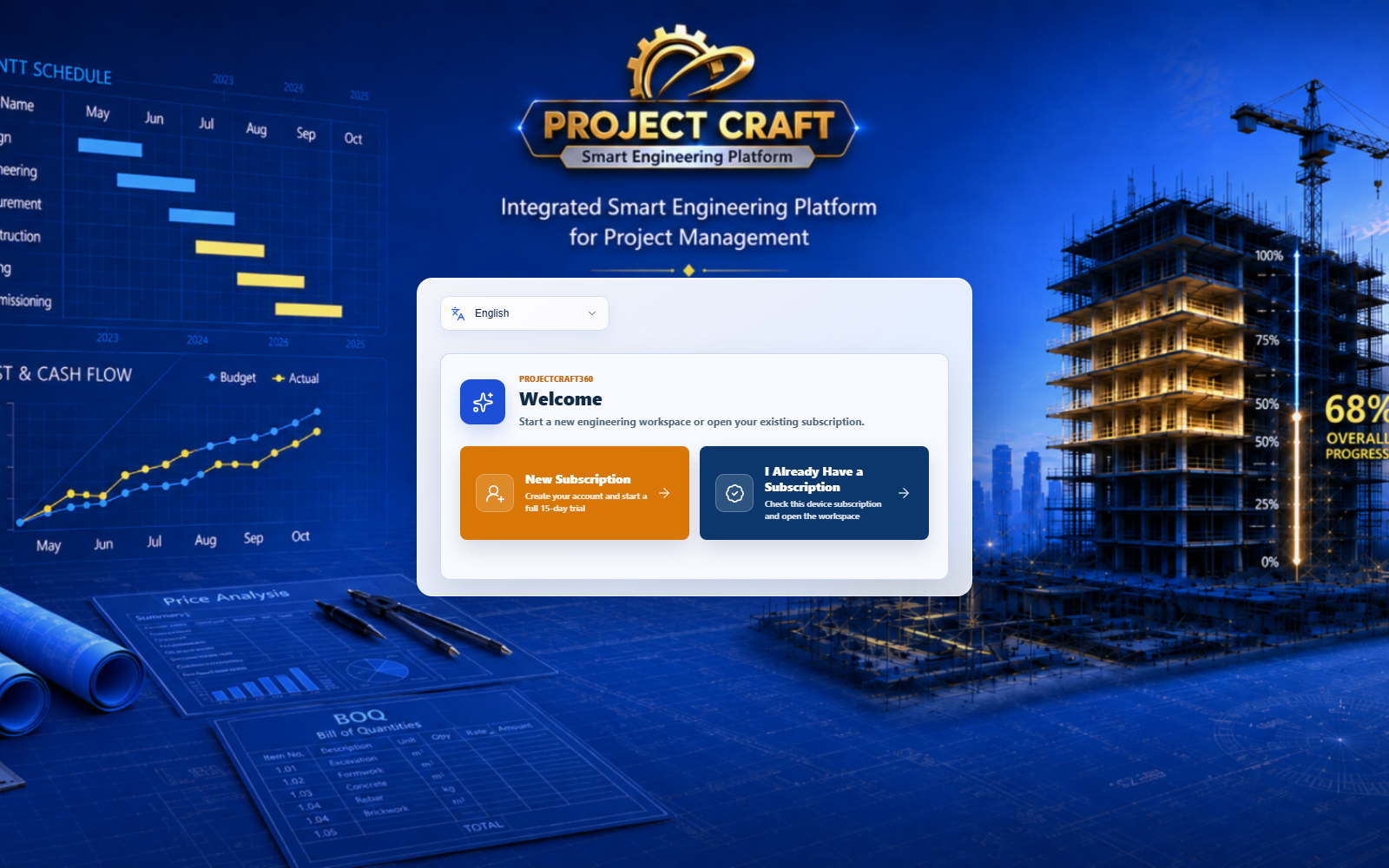
Create an account and start the full 15-day trial.
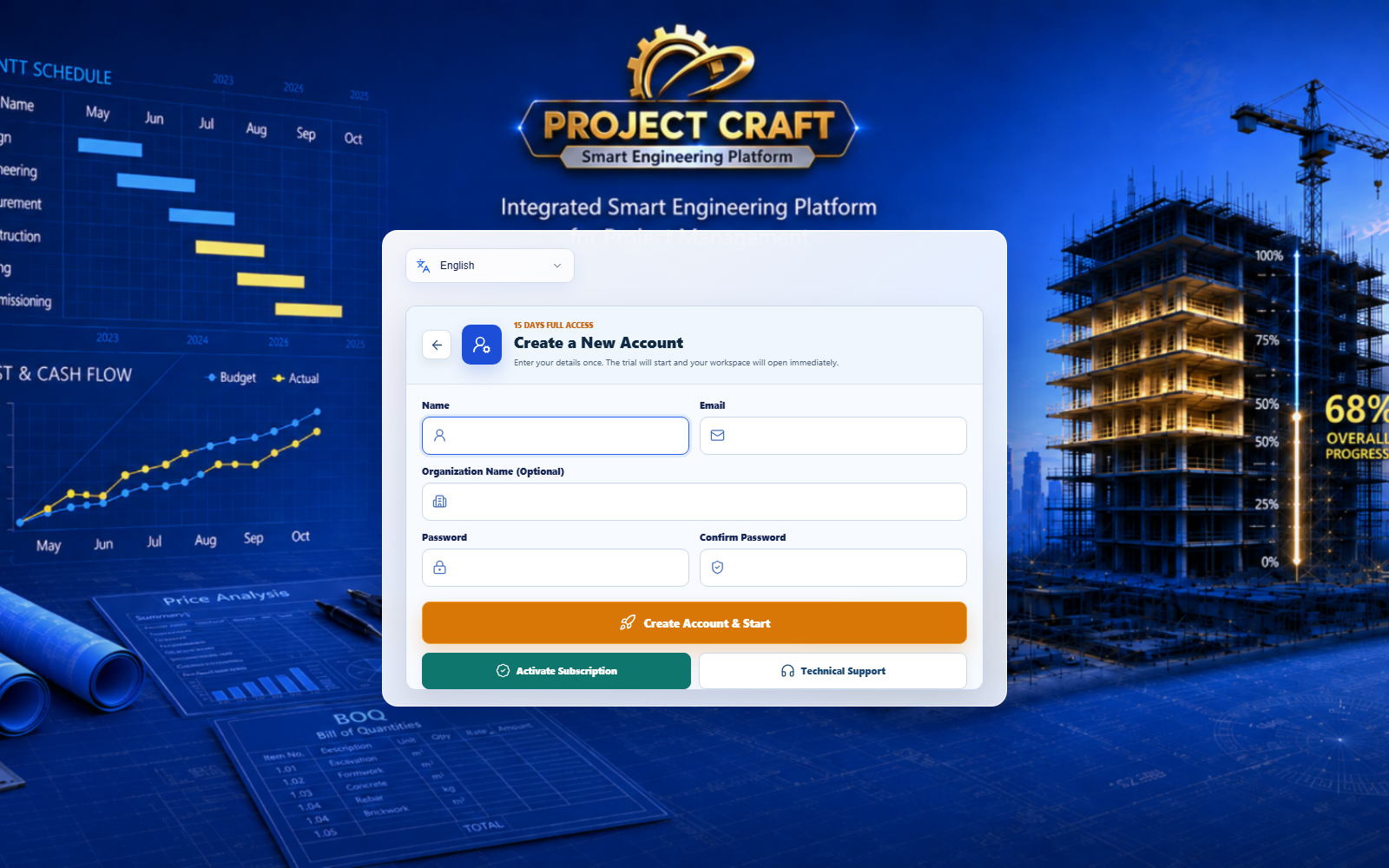 Start free trial
Open subscription page and choose country.
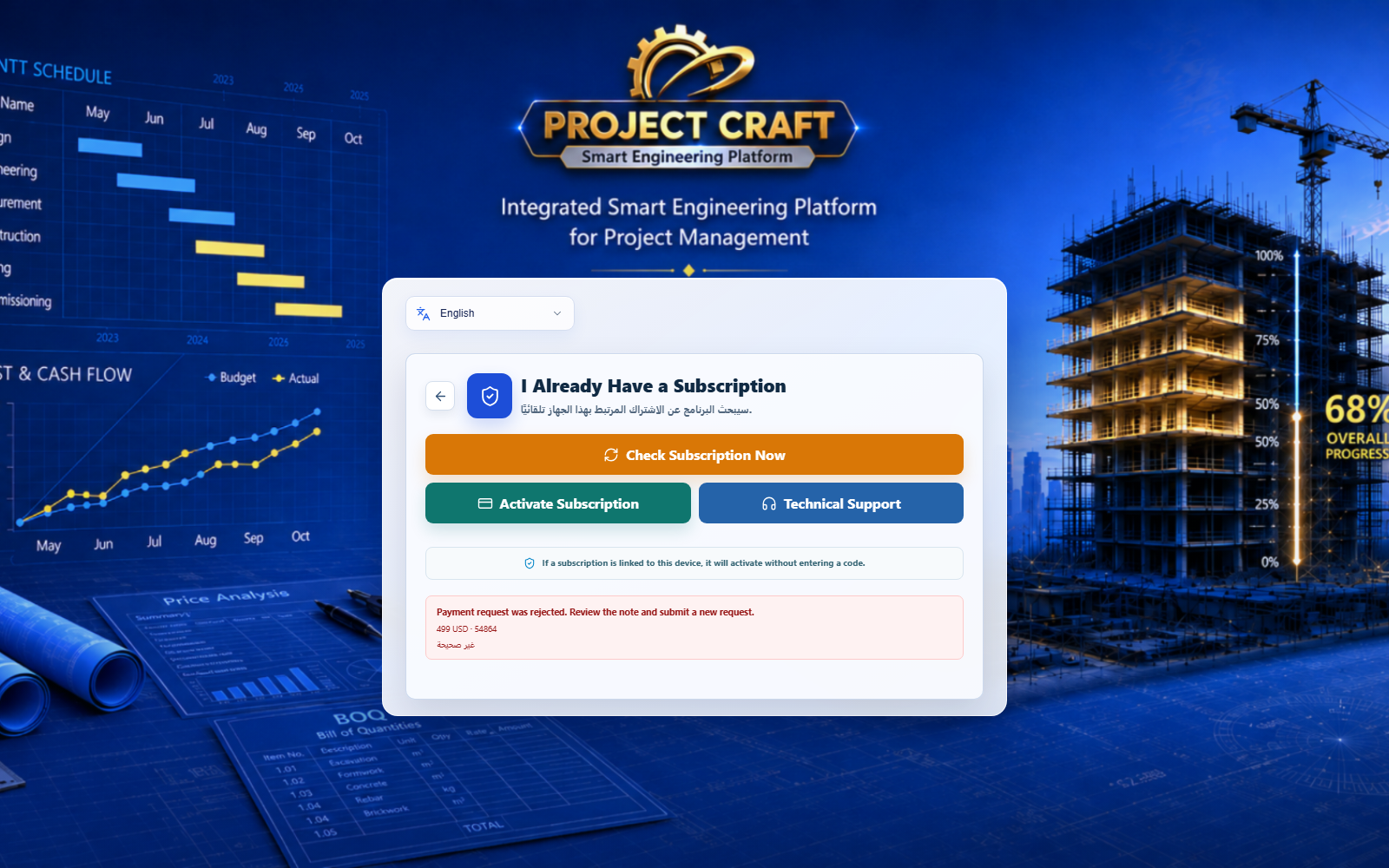 Request subscription activation
Egypt shows Instapay/Vodafone Cash; other countries show card, PayPal, and USDT.
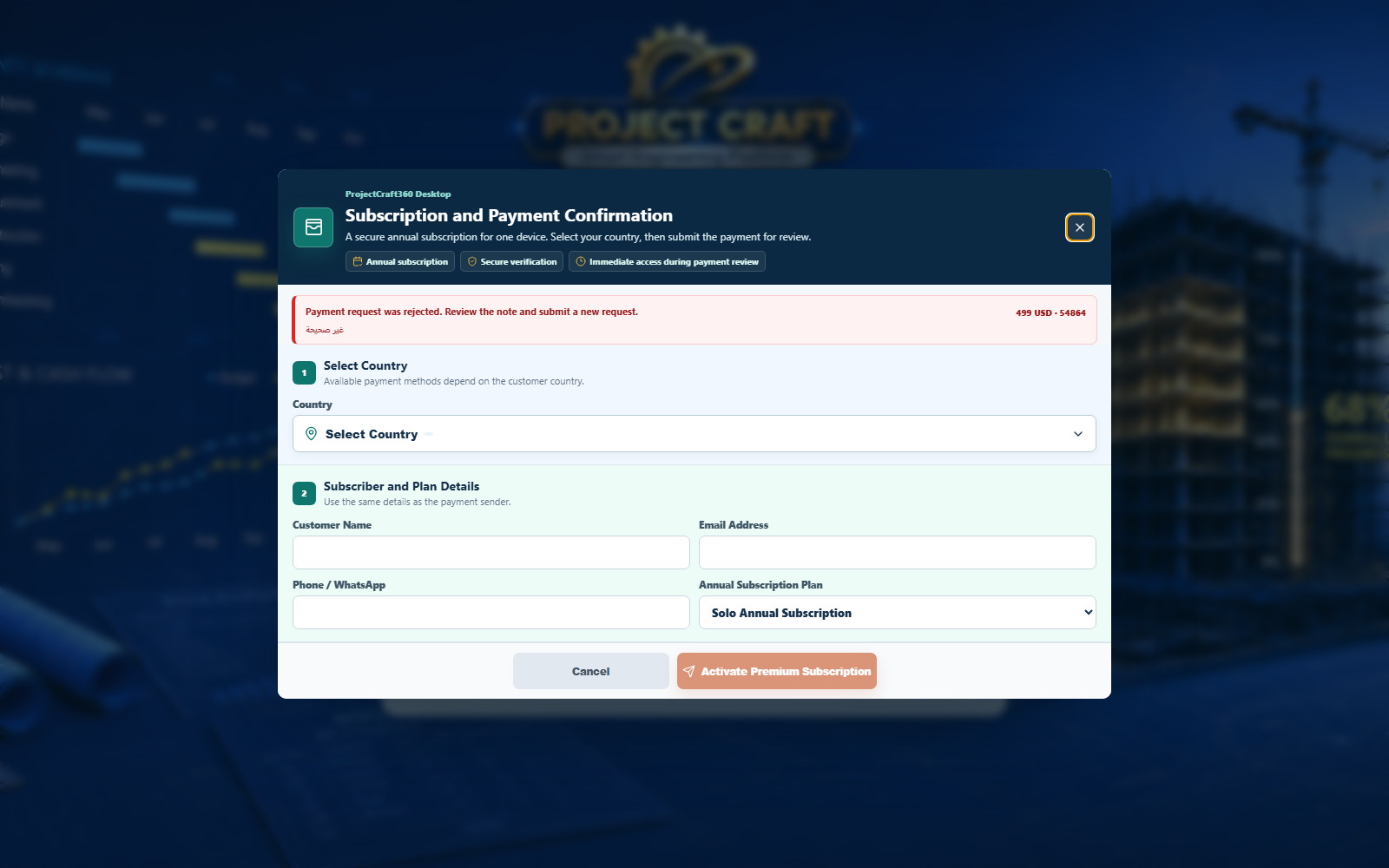 Choose payment method
Confirm payment completion, submit the request, and wait for review.
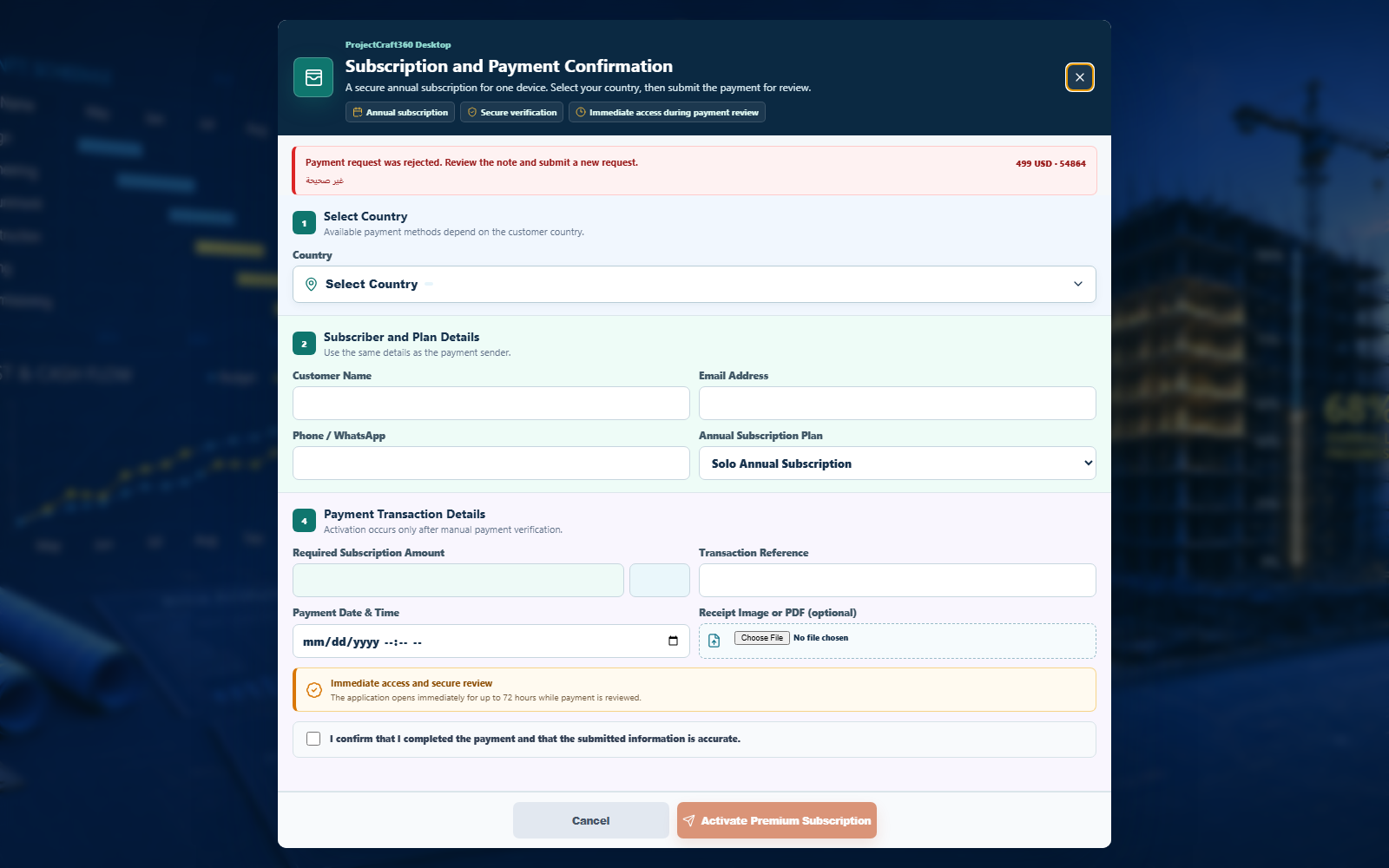 Submit payment proof
| Field or action | Purpose inside the page |
|---|---|
| Start free trial | Create an account and start the full 15-day trial. |
| Request subscription activation | Open subscription page and choose country. |
| Choose payment method | Egypt shows Instapay/Vodafone Cash; other countries show card, PayPal, and USDT. |
| Submit payment proof | Confirm payment completion, submit the request, and wait for review. |