What does this page do?
Project Structure organizes the project into phases, zones, and building models. Final contracts use this structure to calculate quantities and reports based on the correct building count.
Connect contracts to phases, zones, and buildings.
Project Structure organizes the project into phases, zones, and building models. Final contracts use this structure to calculate quantities and reports based on the correct building count.
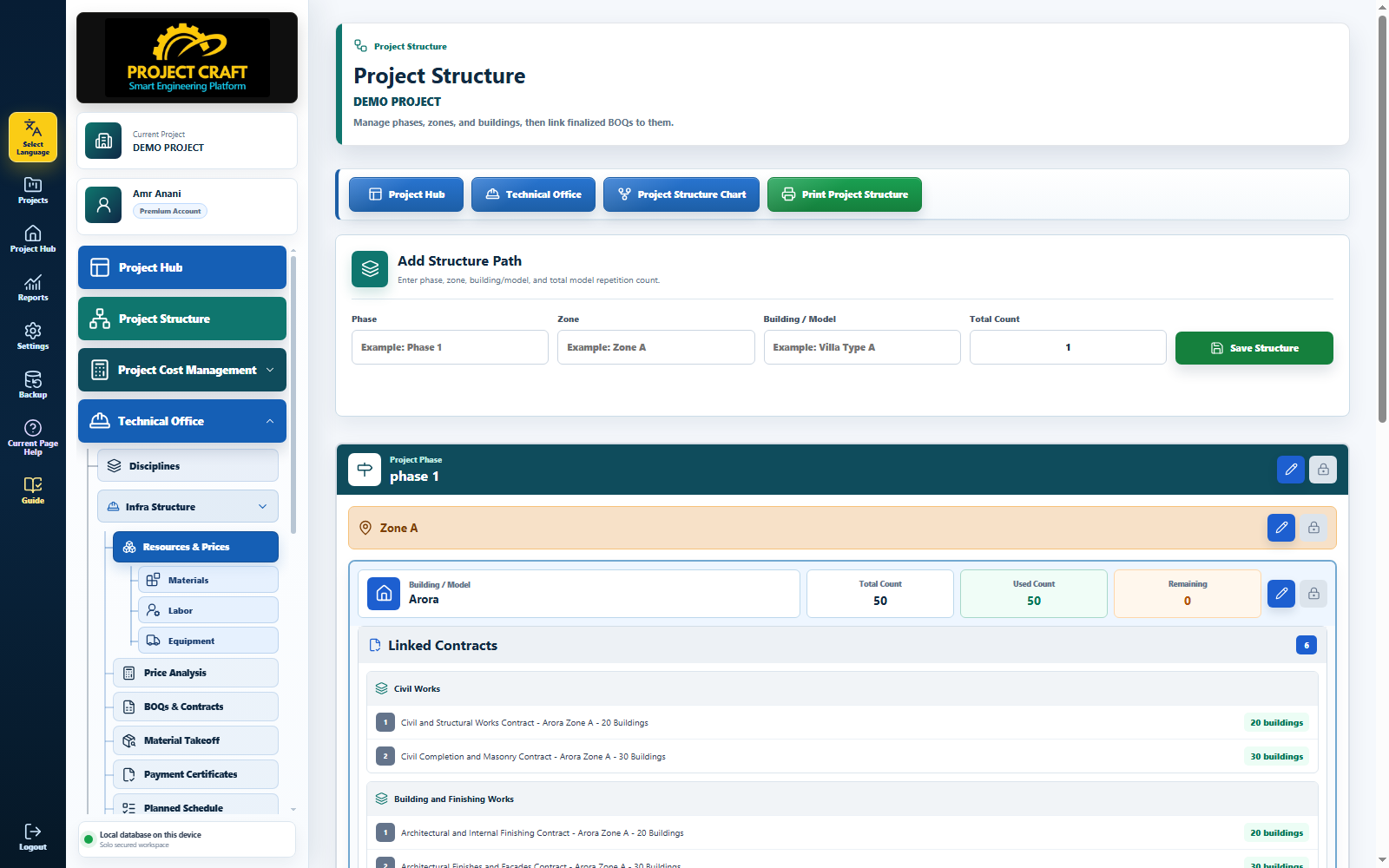
Create Phase 1 or any required phase.
Add a phaseConnect each zone to its phase.
Add a zoneEnter model name and total repeated count.
Add a building modelFrom the final BOQ page, choose phase, zone, building, and contract building count.
Link final contract to structure| Field or action | Purpose inside the page |
|---|---|
| Add a phase | Create Phase 1 or any required phase. |
| Add a zone | Connect each zone to its phase. |
| Add a building model | Enter model name and total repeated count. |
| Link final contract to structure | From the final BOQ page, choose phase, zone, building, and contract building count. |