What does this page do?
Purchasing records material needs, purchase requests, receiving, and connection to store balances.
Record purchase needs and connect them to inventory.
Purchasing records material needs, purchase requests, receiving, and connection to store balances.
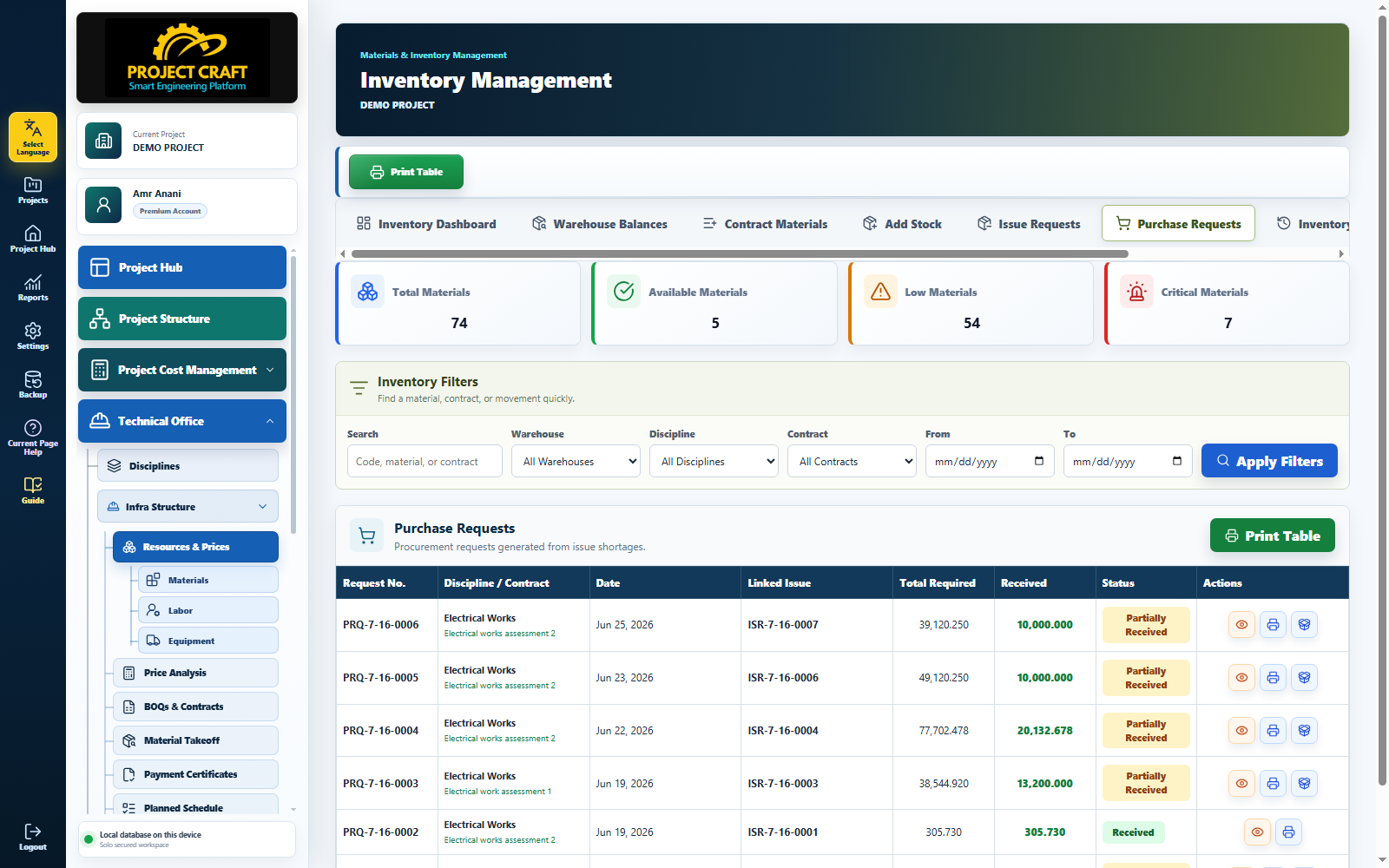
Choose project, discipline, contract, material, and quantity.
Create purchase requestTrack whether the request is completed or pending.
Review request statusWhen materials arrive, record the stock addition in the correct store.
Receive materials| Field or action | Purpose inside the page |
|---|---|
| Create purchase request | Choose project, discipline, contract, material, and quantity. |
| Review request status | Track whether the request is completed or pending. |
| Receive materials | When materials arrive, record the stock addition in the correct store. |