What does this page do?
Reports Center gathers execution, materials, inventory, cash flow, unit cost, and profitability reports.
Open project reports from one place.
Reports Center gathers execution, materials, inventory, cash flow, unit cost, and profitability reports.
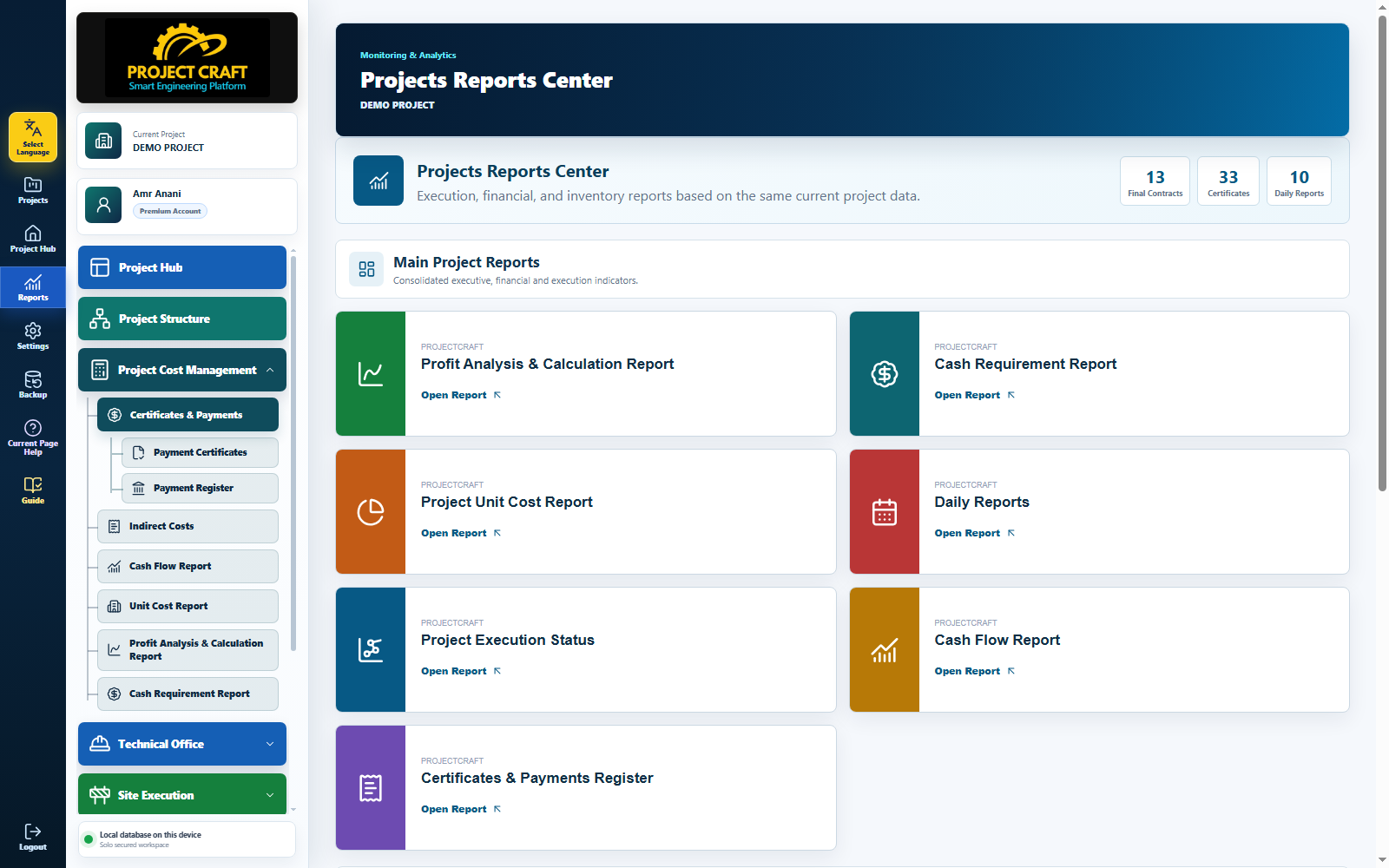
Use the Reports Center button from the sidebar.
Open Reports CenterOpen works, materials, cash flow, unit cost, or profitability report.
Choose reportChoose period, discipline, or contract depending on the report.
Apply filtersUse print after reviewing results.
Print report| Field or action | Purpose inside the page |
|---|---|
| Open Reports Center | Use the Reports Center button from the sidebar. |
| Choose report | Open works, materials, cash flow, unit cost, or profitability report. |
| Apply filters | Choose period, discipline, or contract depending on the report. |
| Print report | Use print after reviewing results. |