What does this page do?
This module stores the cost sources used by price analysis tables: materials, labor, and equipment with categories, units, and prices.
Enter materials, labor, equipment, and prices.
This module stores the cost sources used by price analysis tables: materials, labor, and equipment with categories, units, and prices.
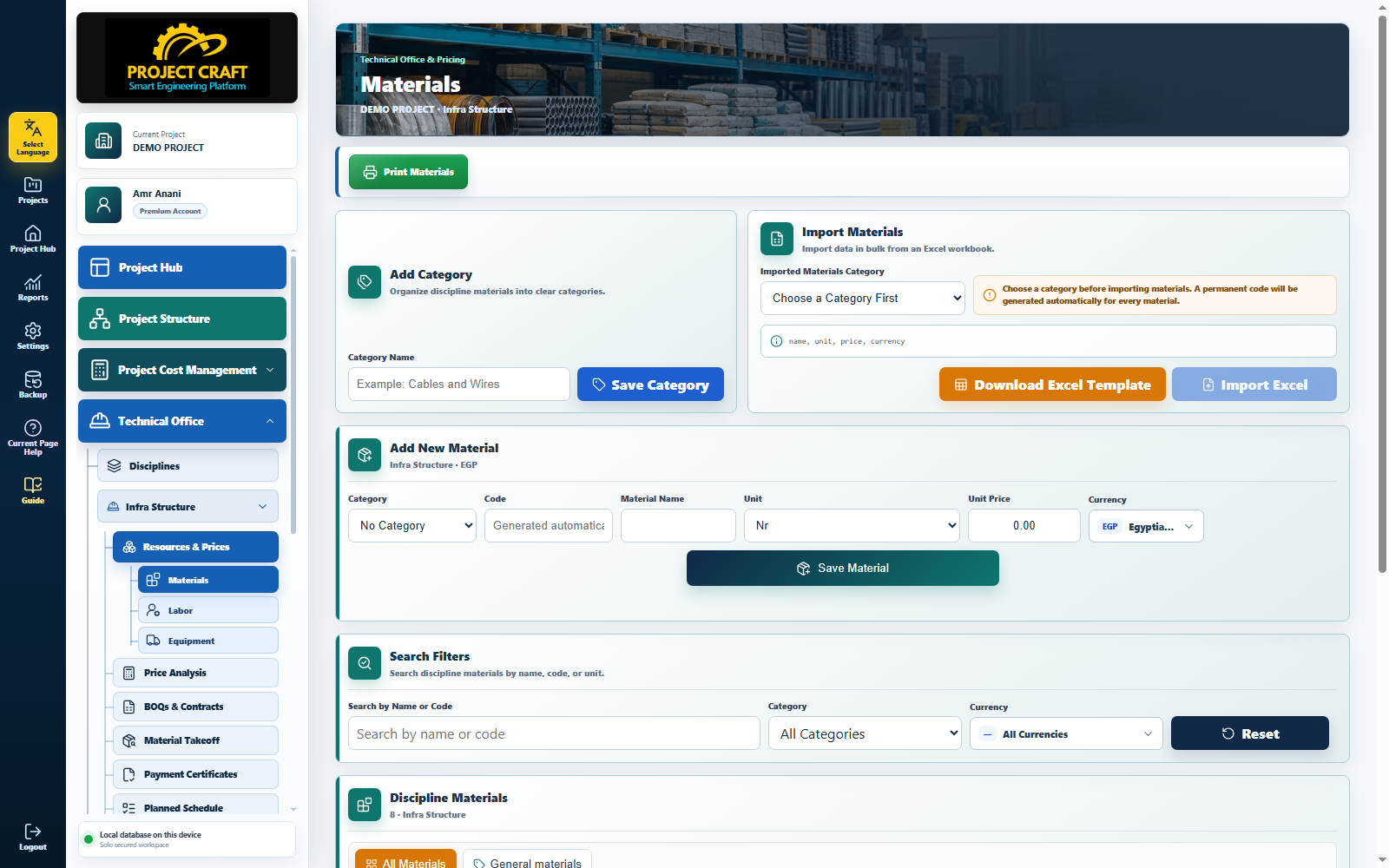
Open Materials, Labor, or Equipment according to the resource you need.
Choose resource typeCreate categories to organize resources and improve searching.
Add categoryUse the form or download the Excel template and import resources.
Add manually or import ExcelThe current price is used by the Price Analysis page when building a new table.
Review current price| Field or action | Purpose inside the page |
|---|---|
| Choose resource type | Open Materials, Labor, or Equipment according to the resource you need. |
| Add category | Create categories to organize resources and improve searching. |
| Add manually or import Excel | Use the form or download the Excel template and import resources. |
| Review current price | The current price is used by the Price Analysis page when building a new table. |