
BOQ & pricing
Build a clear commercial foundation for the project.
PROJECTCRAFT
FROM PRECONSTRUCTION TO PROJECT CLOSEOUT
ProjectCraft is an integrated project management platform for engineering and construction projects, designed to cover the entire project lifecycle—from preconstruction study and pricing, through planning, execution, inventory control and subcontractor management, to payment certificates, cost control, financial reporting and project closeout.
PRODUCT OVERVIEW
Follow the connected workflows that turn project data into operational clarity.
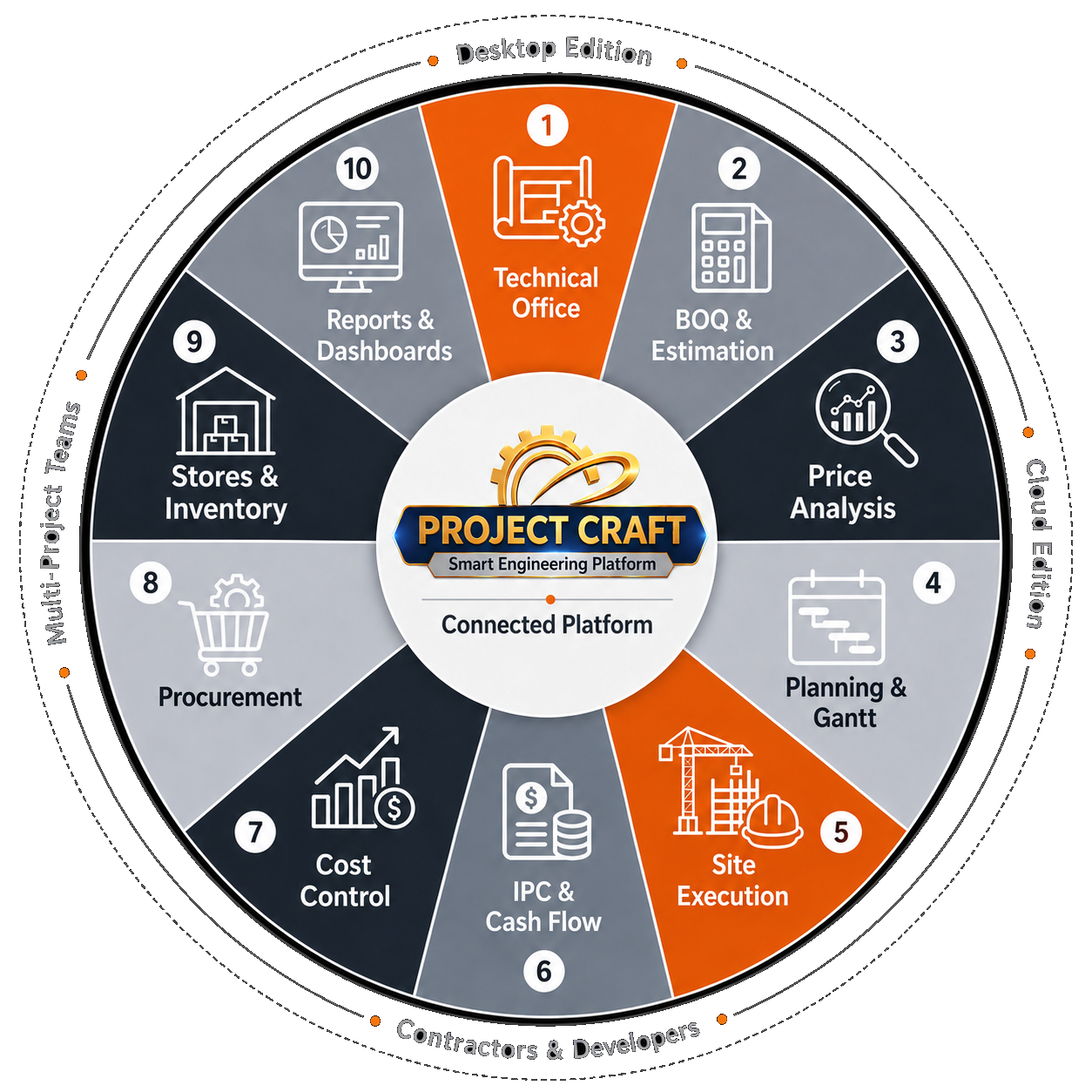
With ProjectCraft, project management begins in the technical office with BOQ preparation and price analysis, then extends through planning, site execution, payment certificates, cash flow, cost control, procurement, inventory and reporting.
Each stage feeds directly into the next within one connected system, giving every team clearer visibility and stronger project control.
THE PROJECT JOURNEY
ProjectCraft starts with BOQ preparation and cost analysis, then turns quantities into material requirements and a supply plan connected to the project schedule. As site execution progresses, completed quantities feed directly into payment certificates and cash flow—giving teams a clearer view of cost and profitability.
Every stage works from one connected project data source, reducing repeated entry, improving visibility, and helping teams make decisions sooner.
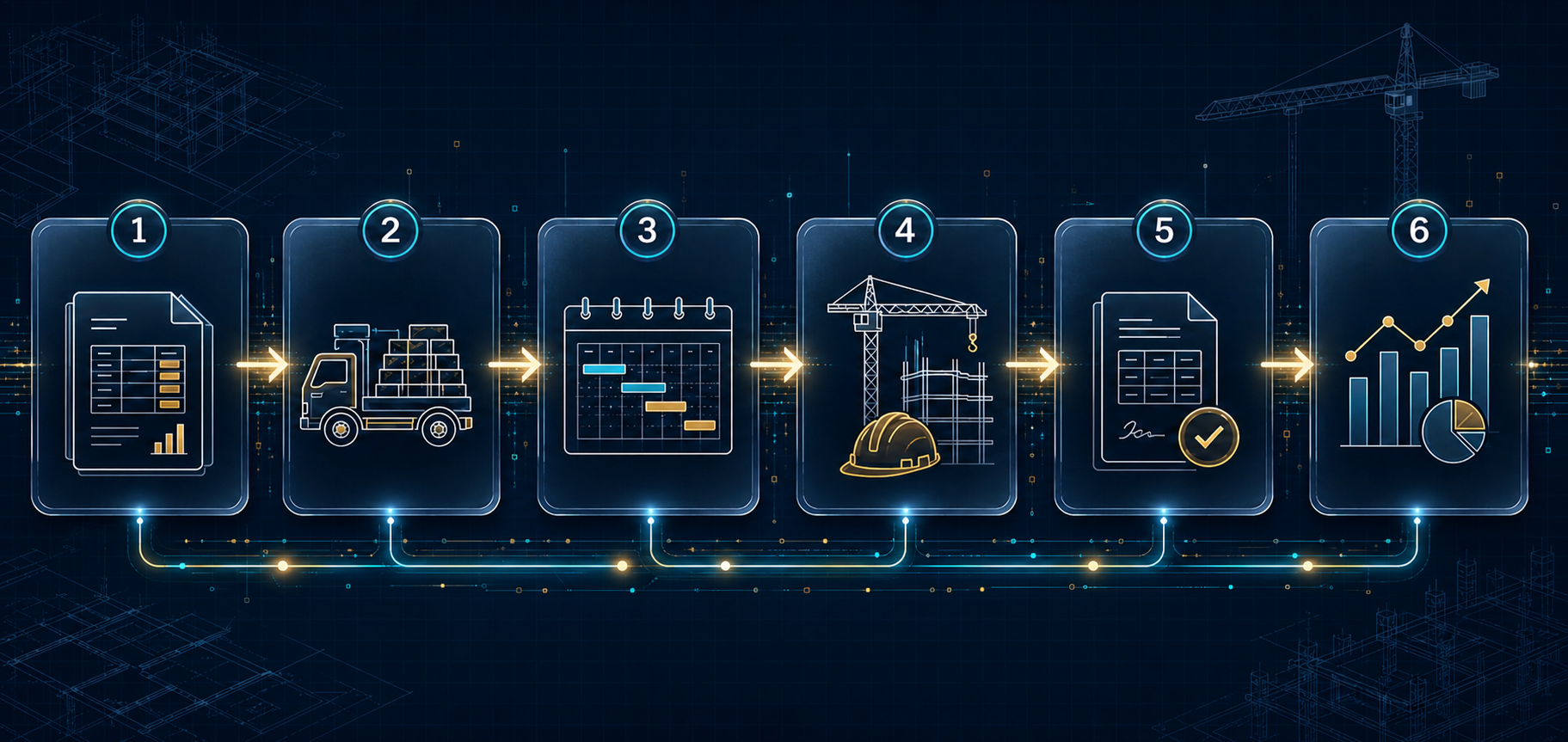
Build a clear commercial foundation for the project.
Turn quantities into requirements and a practical supply plan.
Connect items and resources to a trackable execution plan.
Measure progress and completed quantities from site.
Turn delivery into a clear financial position.
Read project performance with greater confidence.
CORE CAPABILITIES
ProjectCraft organizes the project lifecycle into six connected stages, allowing information to move smoothly from setup and pricing through execution, reporting and data protection.
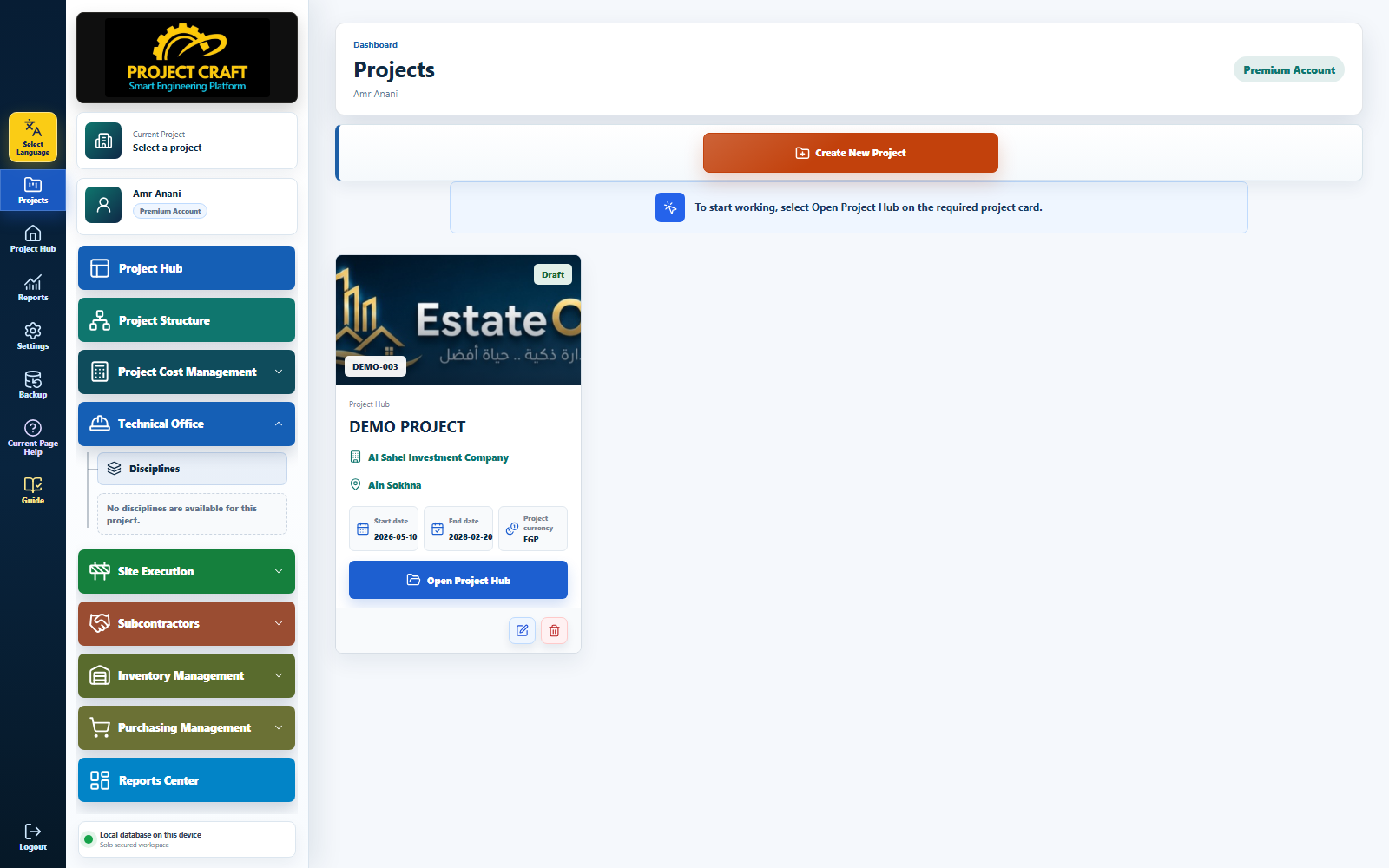
Create and manage projects while defining their general information, scope of work and essential project data.
Organize the project into independent, clearly structured engineering disciplines.
Connect contracts and BOQ items to phases, zones, buildings, disciplines and project components within a clear structure.
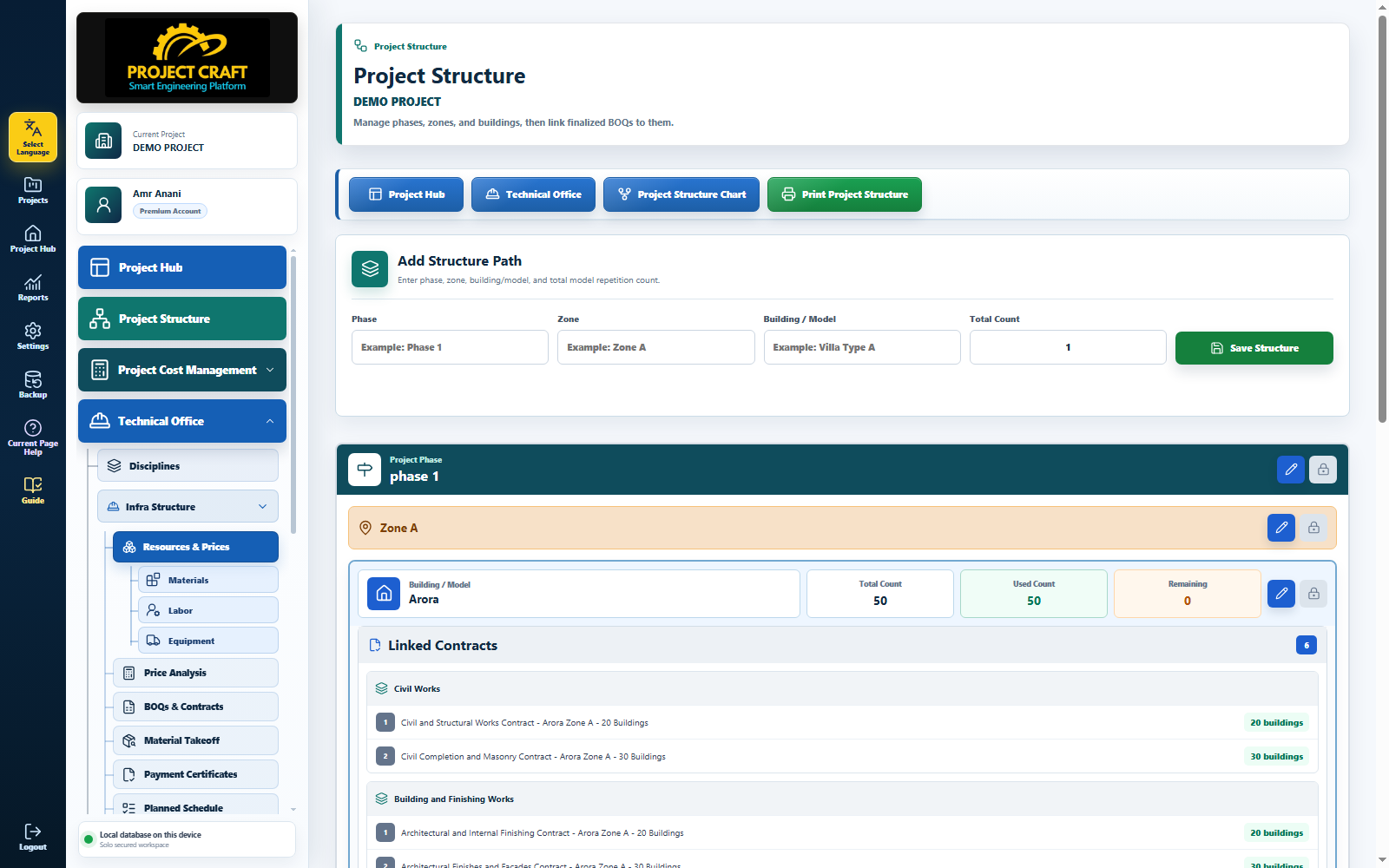
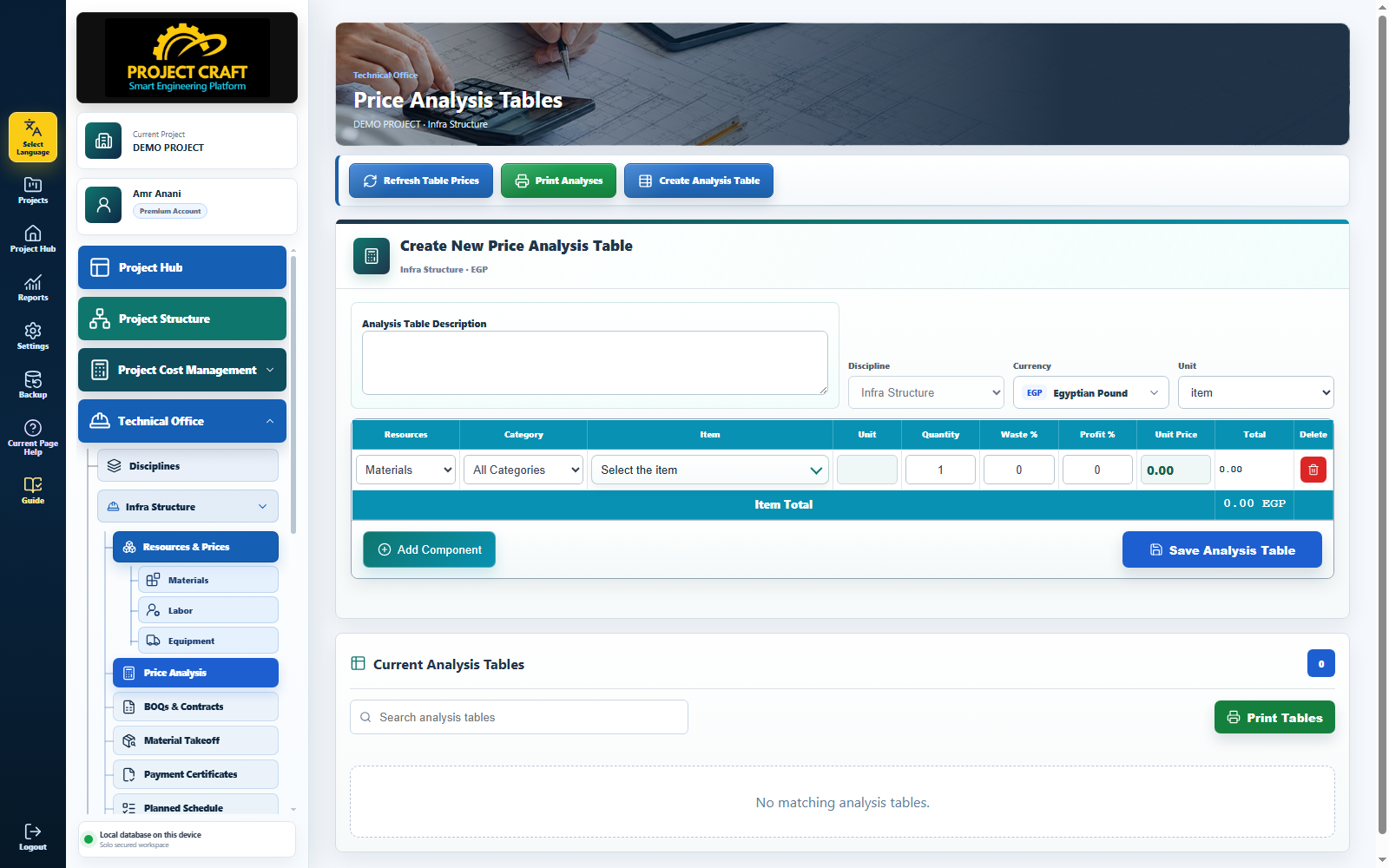
Build an integrated database of materials, labor, equipment, prices and costs.
Calculate accurate unit rates from the resources, quantities and costs assigned to every item.
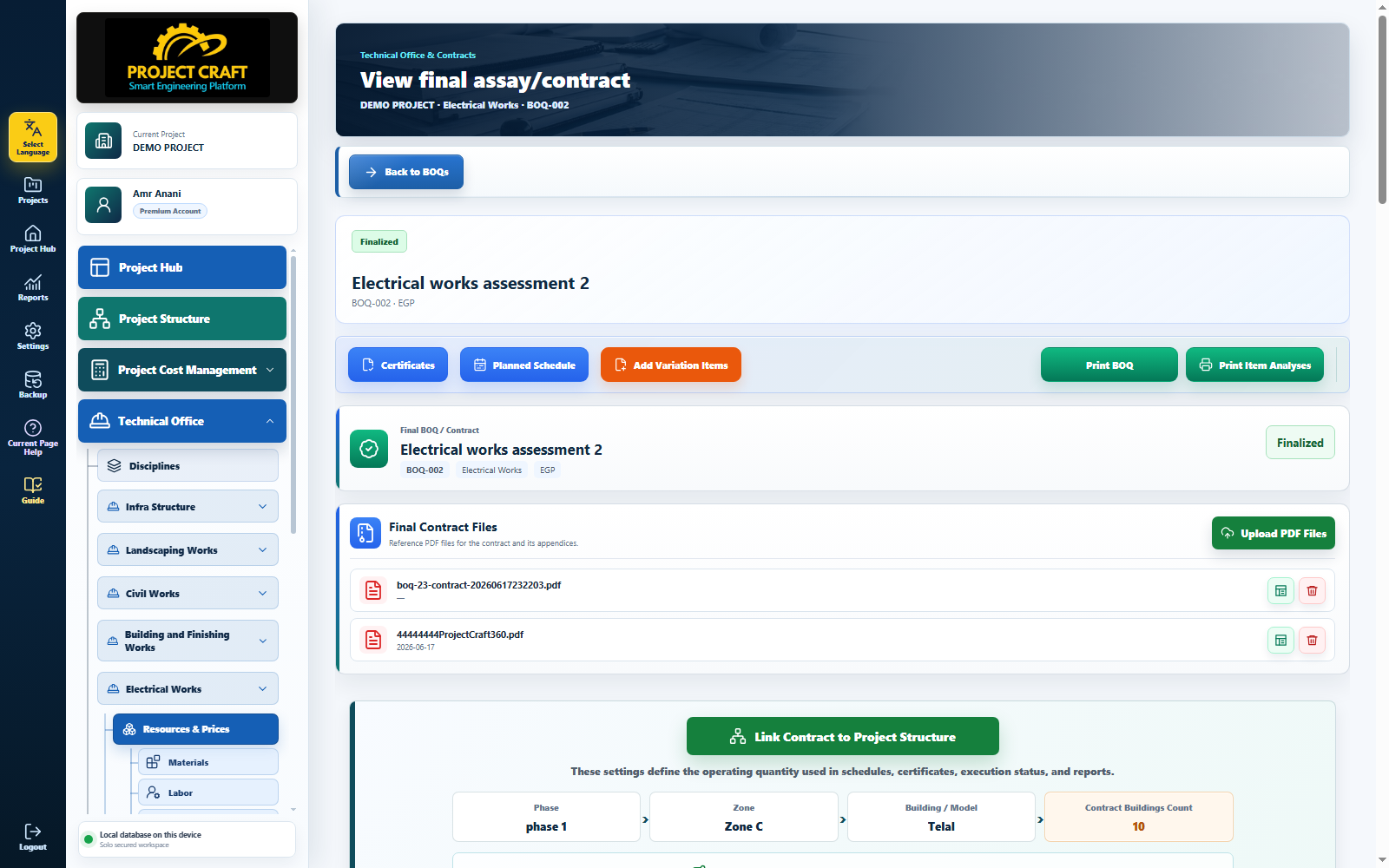
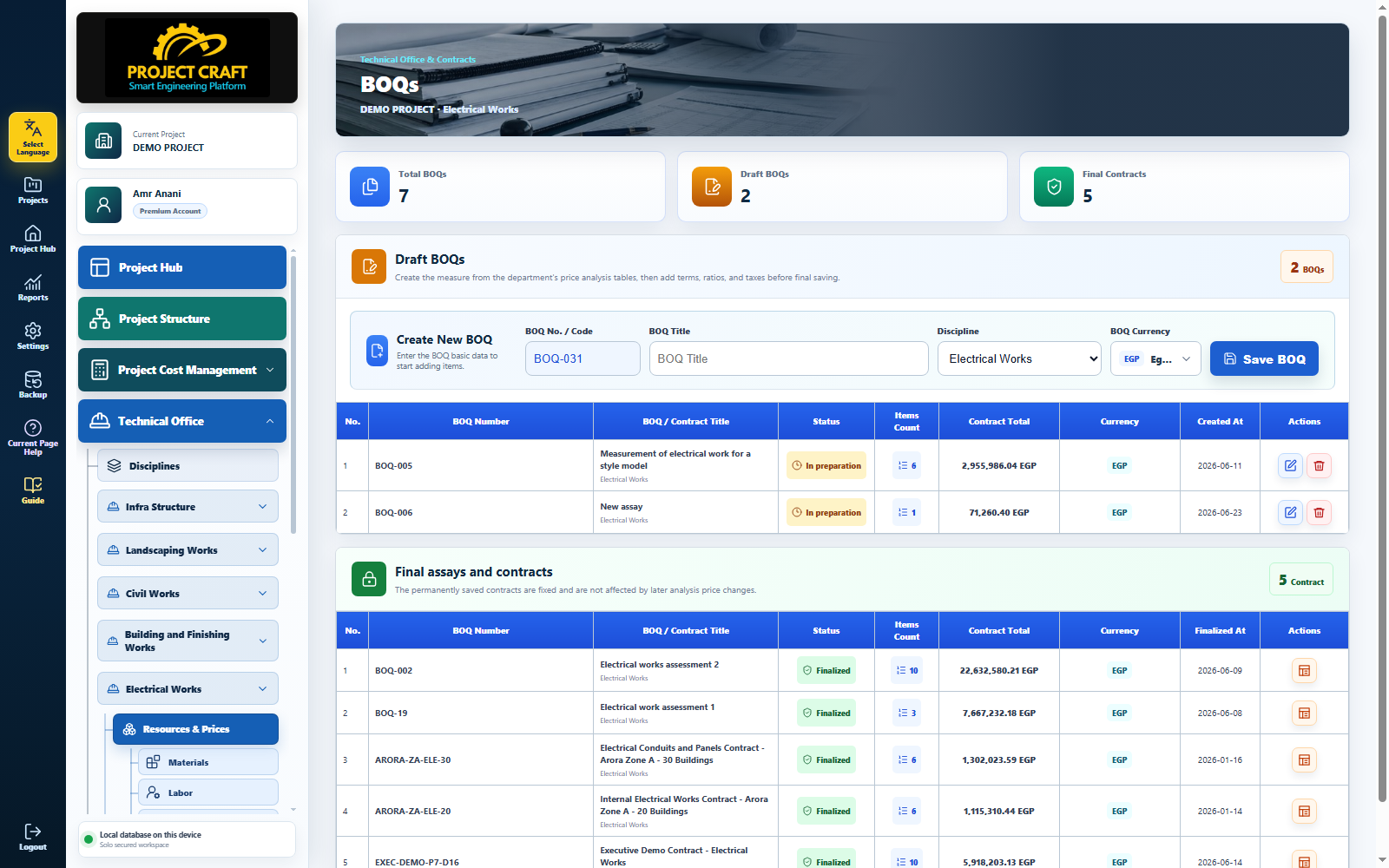
Create and manage Bills of Quantities in a structured and flexible workspace.
Review and revise BOQs before approval and conversion into formal contracts.
Manage additional items and variations while keeping them linked to the original contract.
Extract project material requirements from contracts, BOQs, price analyses and the project schedule.
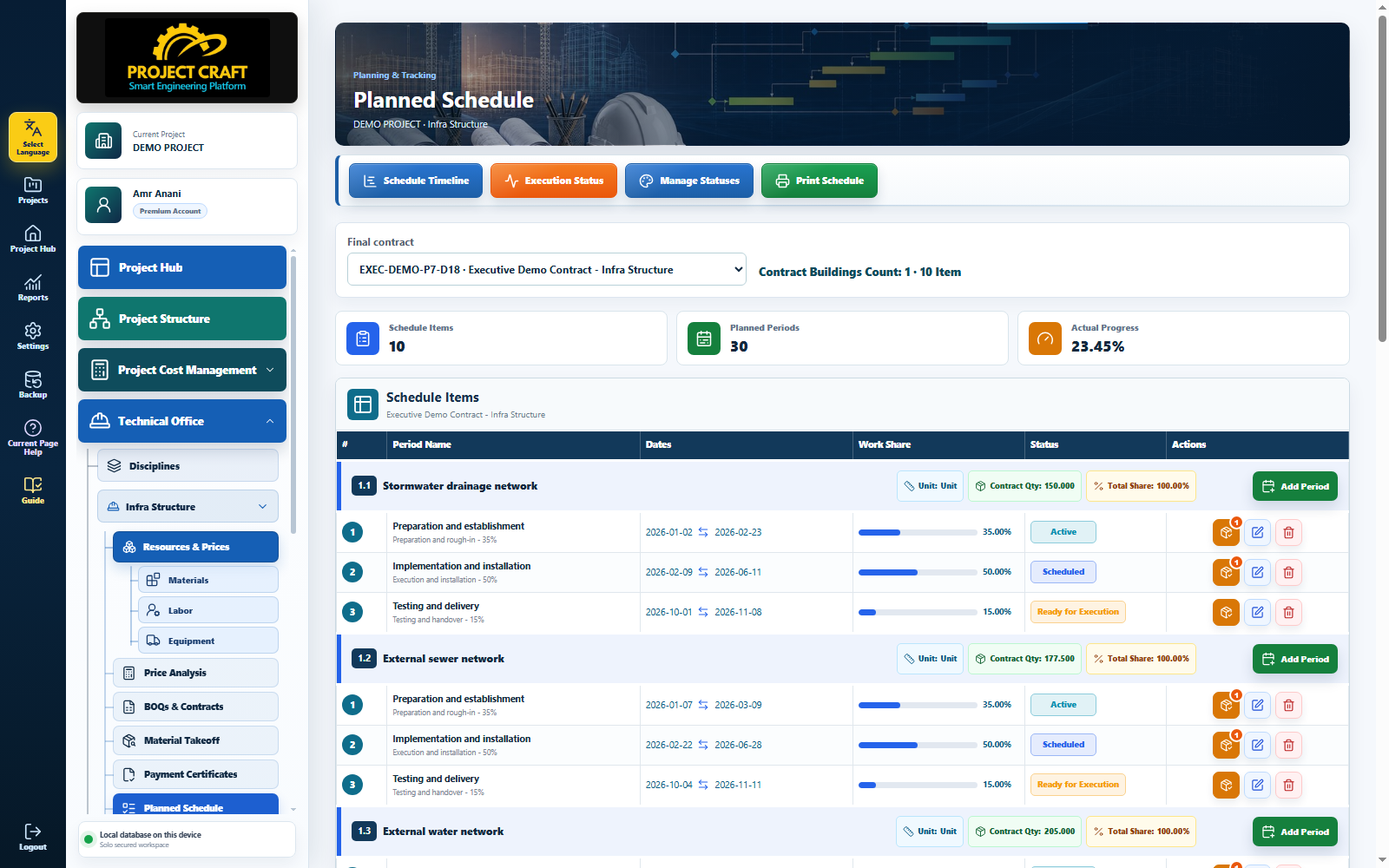
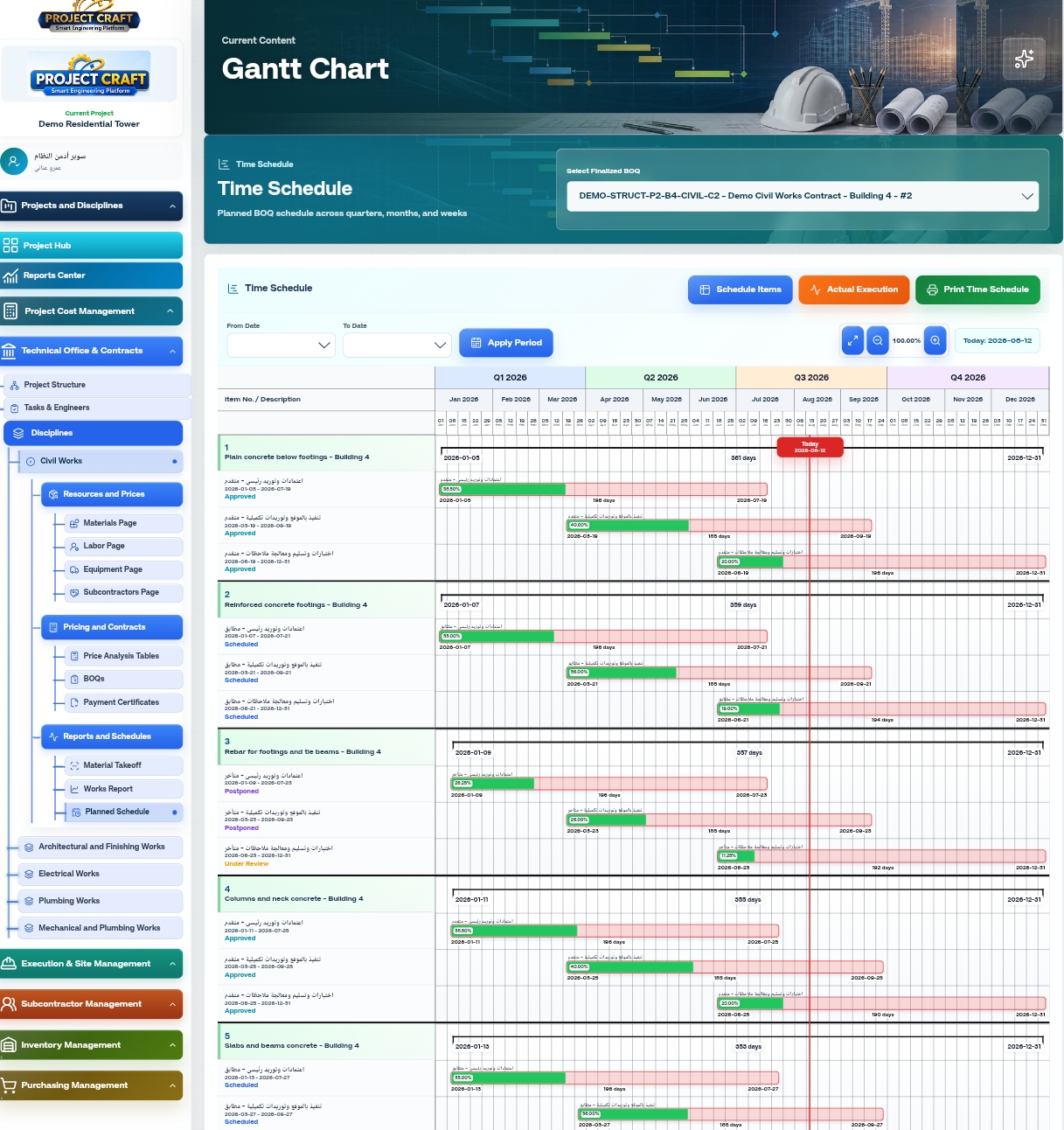
Build the project schedule and connect it to BOQ items, execution stages, progress and resource needs.
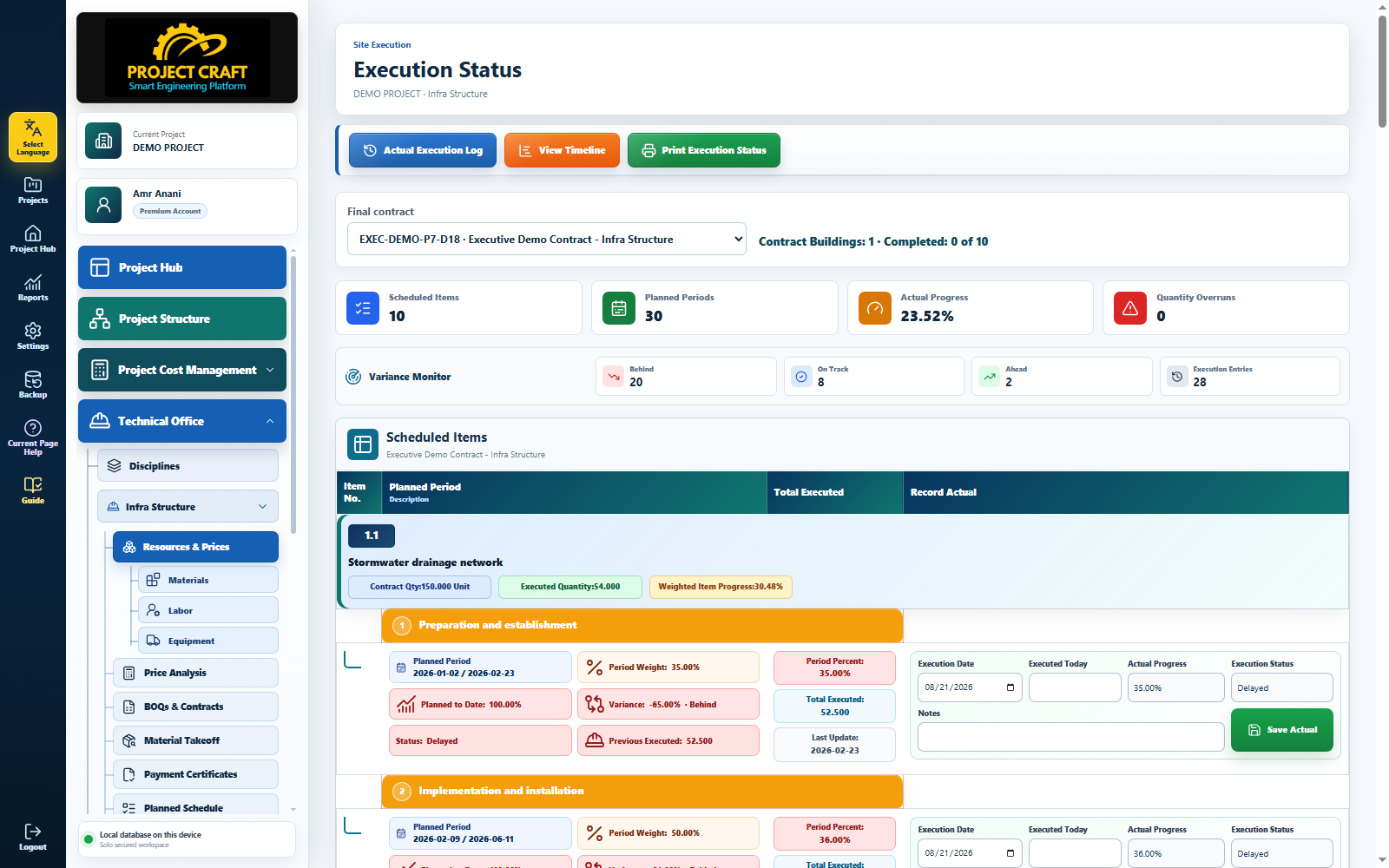
Record actual executed quantities and compare them with planned quantities and targets.
See the project’s current position and measure progress against the approved schedule.
Issue periodic client certificates from actual executed quantities and verified progress.
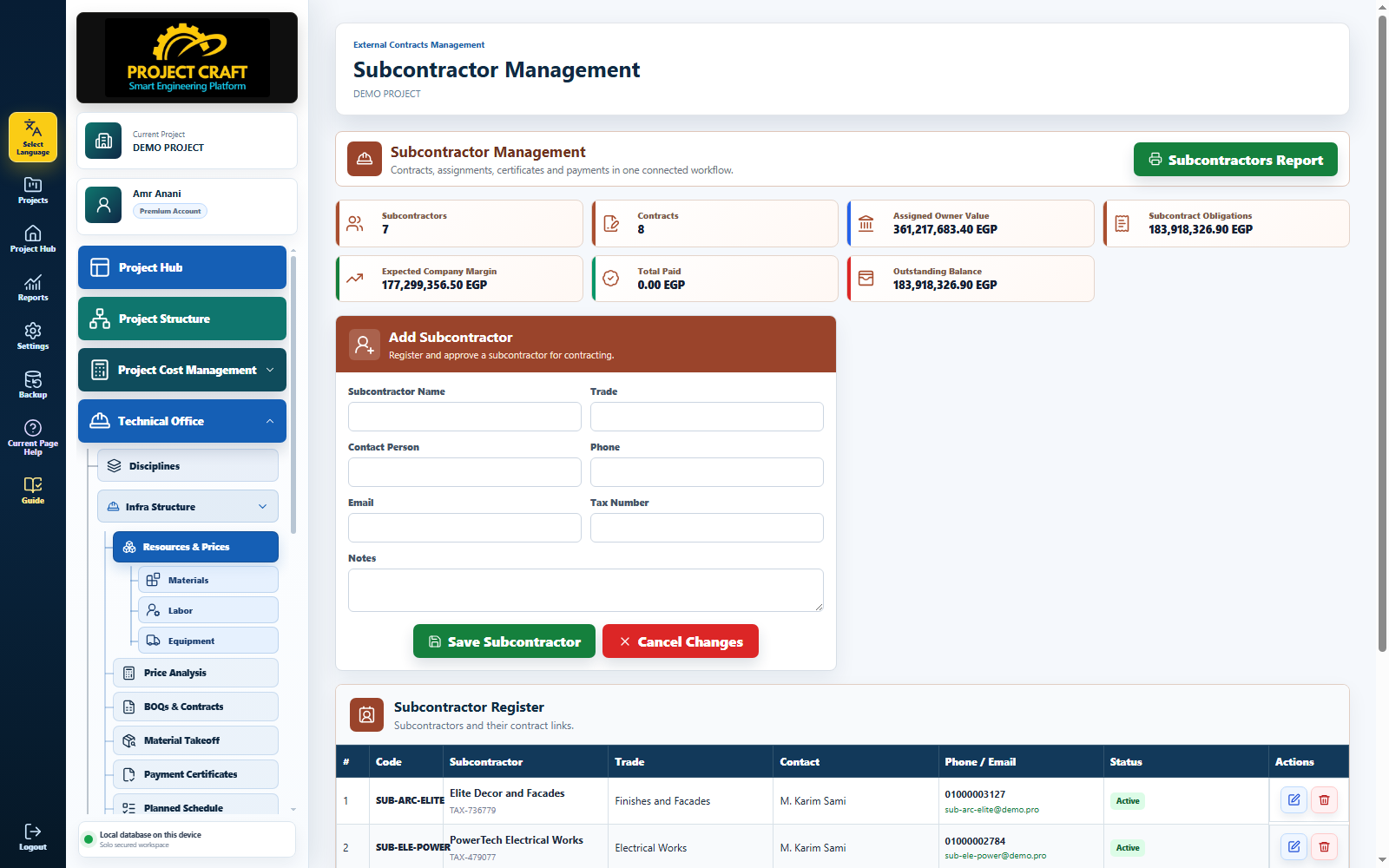
Connect every subcontractor to contracts, BOQ items, assigned work and executed quantities.
Prepare certificates from the work and quantities actually completed.
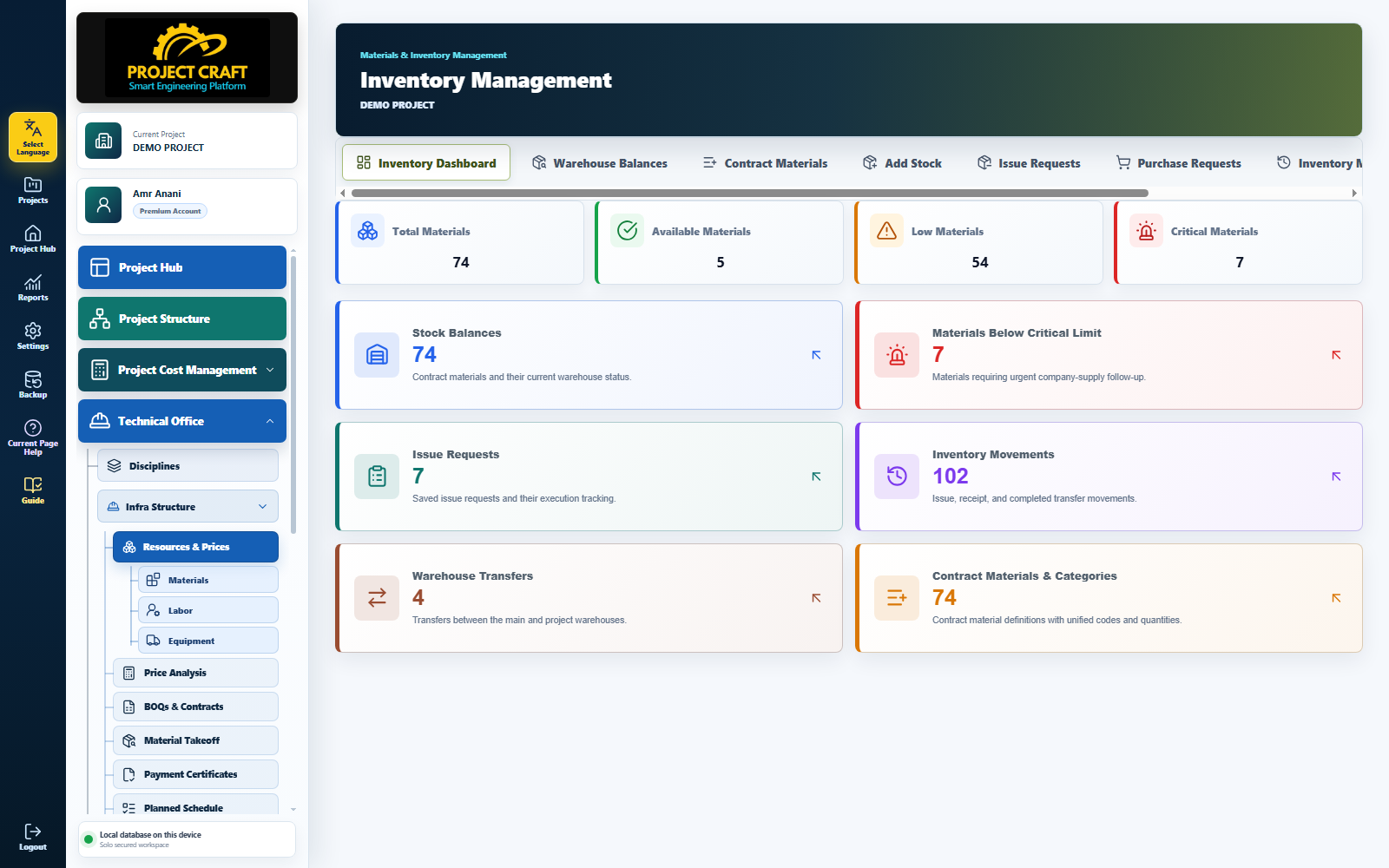
Track receipts, issues, stock balances, material movements and available quantities.
Record and monitor material transfers across projects, warehouses and sites.
Connect project requirements with stock availability, purchasing and supply operations.
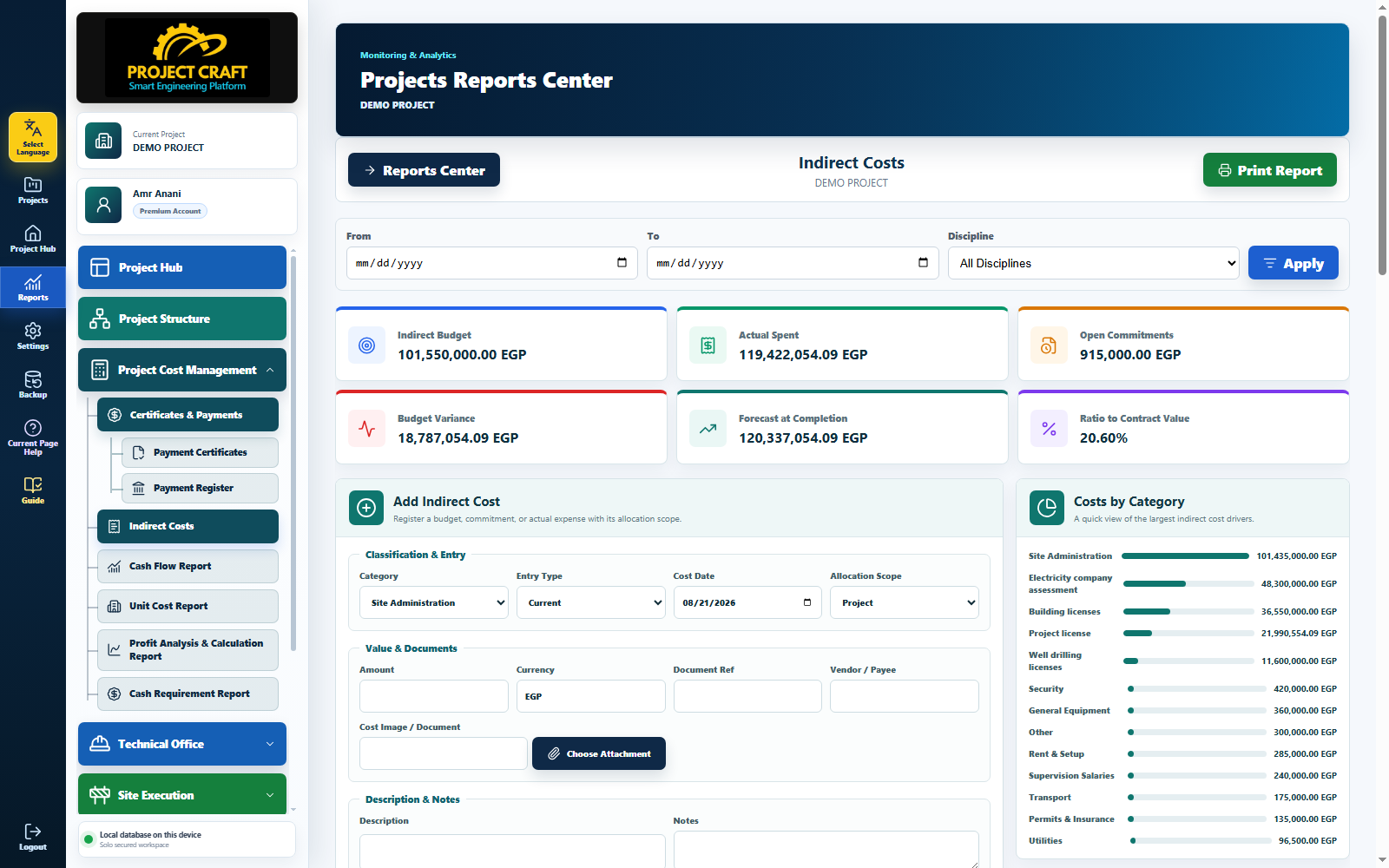
Record and monitor site, administrative, operational and general project expenses.
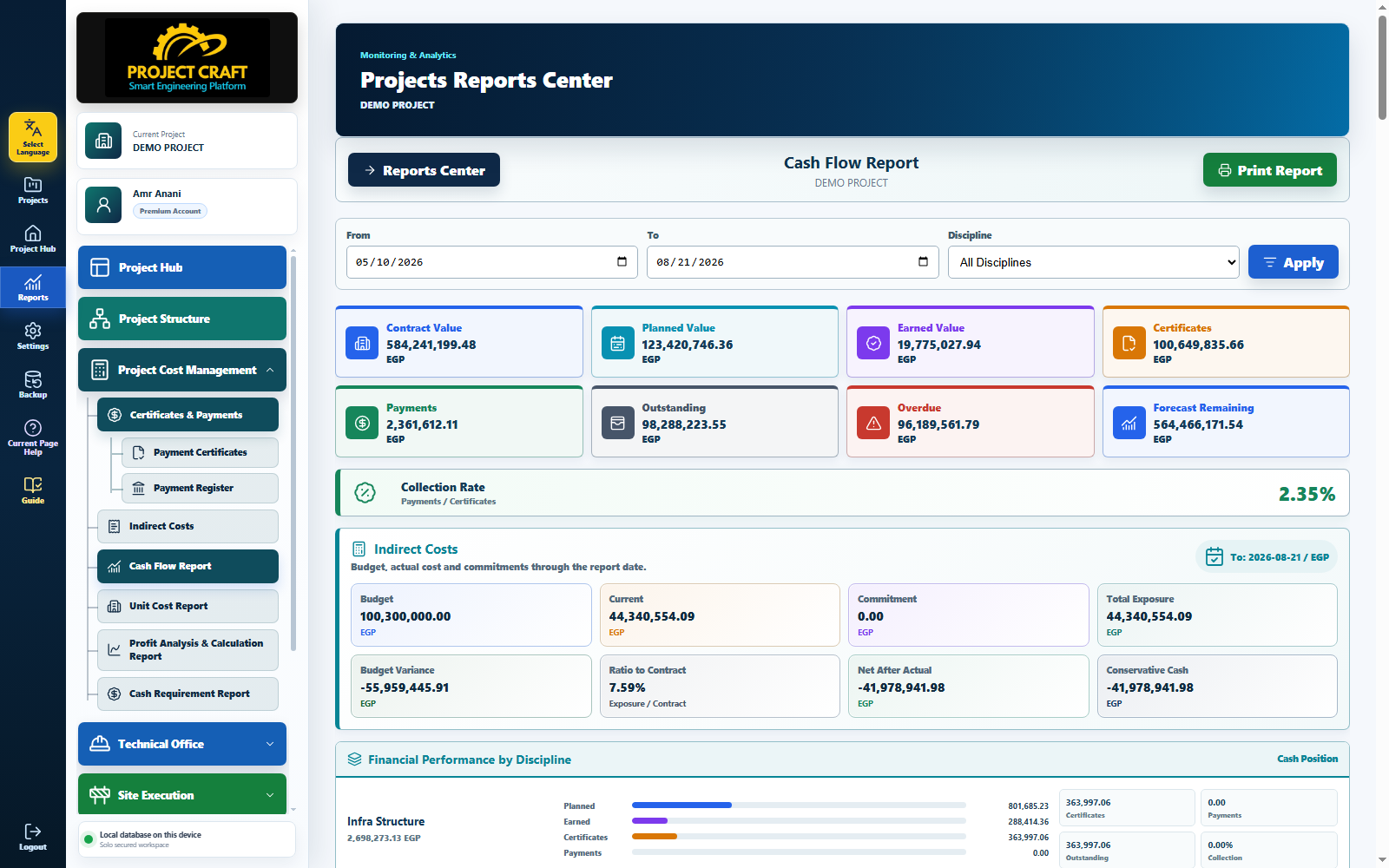
Bring payments, collected certificates and expenses together to show cash inflows and outflows.
View and print technical, management and financial reports from one reporting center.
Give management clear indicators for faster, better-informed project decisions.
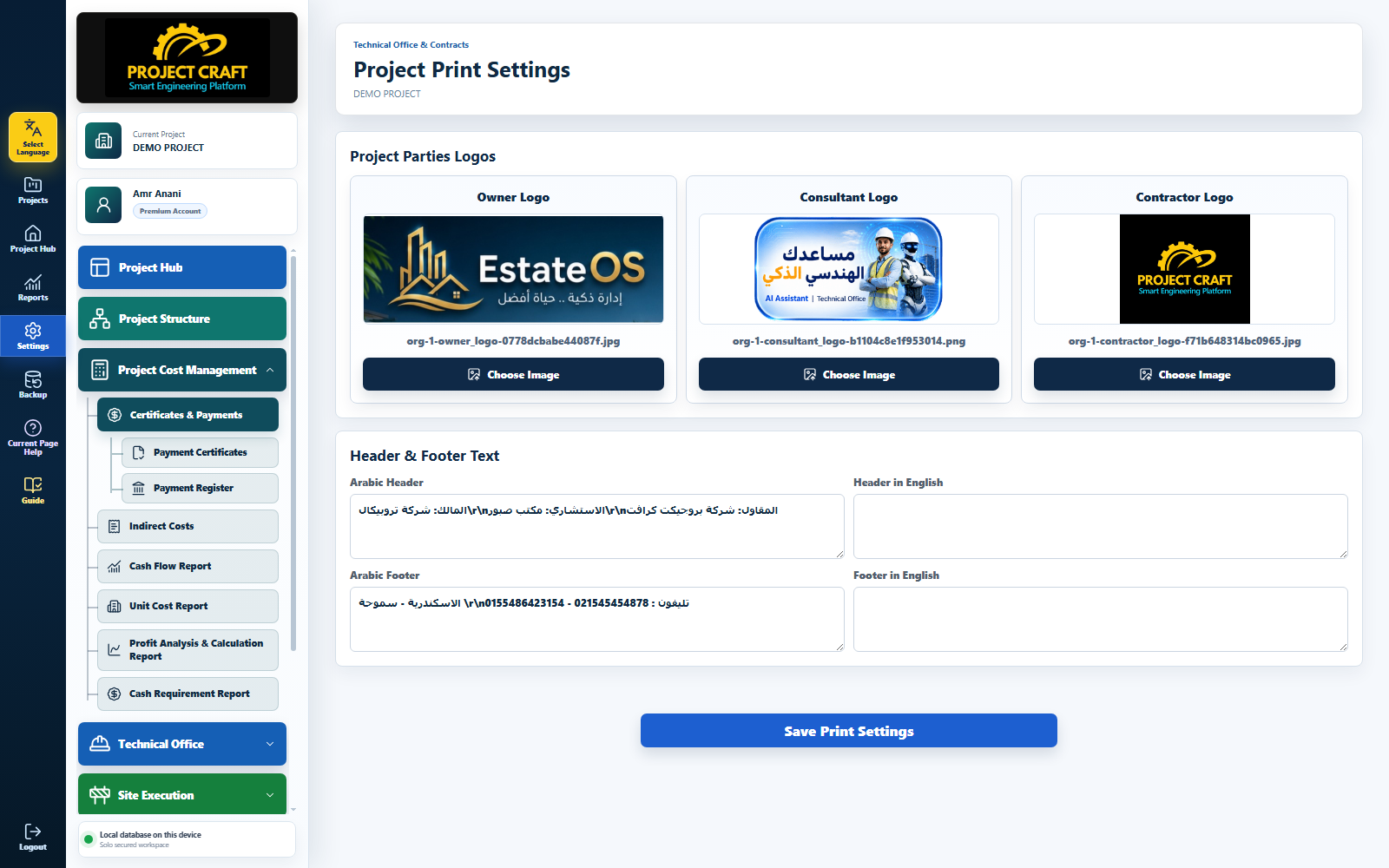
Customize company branding, letterheads, signatures and the print layout of certificates and reports.
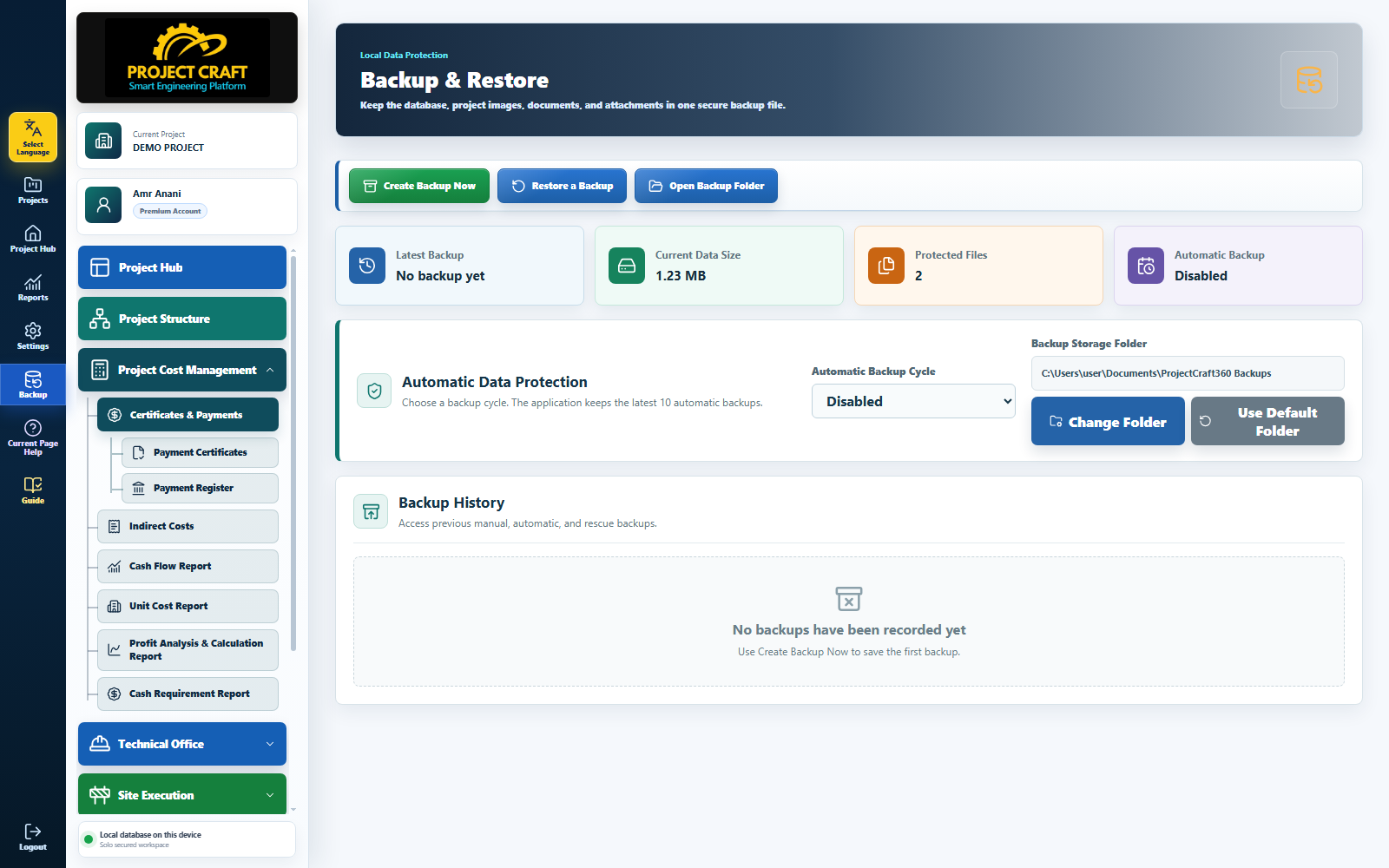
Create local backups of project data and restore them whenever needed.
Help protect essential project information and reduce the risk of critical data loss.
CHOOSE YOUR EDITION
Choose the workspace that best matches your team size and the way you manage projects.
DESKTOP EDITION
Windows DesktopUse ProjectCraft on your Windows computer with a focused workspace for daily project control.
CLOUD EDITION
Cloud WorkspaceBring teams, departments and projects closer to a shared operational view.
PROJECTCRAFT ADVANTAGES
Five core advantages turn fragmented project information into one clear, trackable engineering workflow.
COMPLETE PROJECT LIFECYCLE
ProjectCraft covers the full project lifecycle in one working environment, replacing the need for multiple disconnected systems.
CONNECTED PROJECT DATA
Operational and commercial data stays connected throughout the project:
MULTILINGUAL EXPERIENCE
Use ProjectCraft in the language that works best for your team through a multilingual interface supporting:
COMMERCIAL INTELLIGENCE
Understand the true cost of every item and define suitable pricing and expected profitability before tender submission.
CONTROLLED COMMERCIAL PROCESS
Manage variations, addenda, revisions, client certificates, subcontractor BOQs and subcontractor certificates through one controlled process.
ProjectCraft
READY TO EXPLORE
Explore ProjectCraft, see the workflows and choose the edition that fits the way your team works.